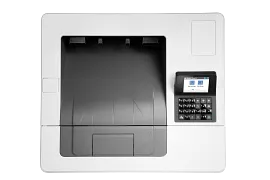
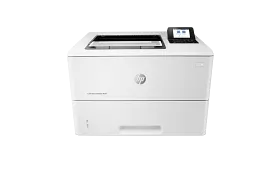
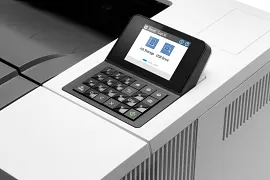
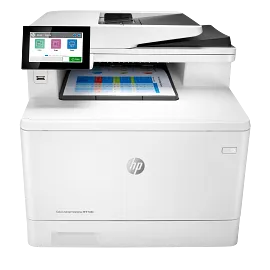
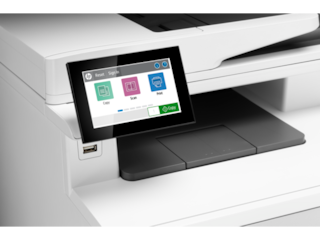
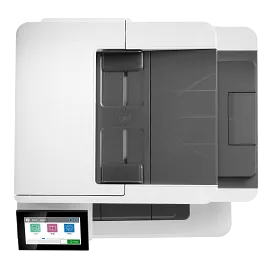
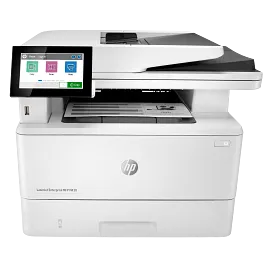
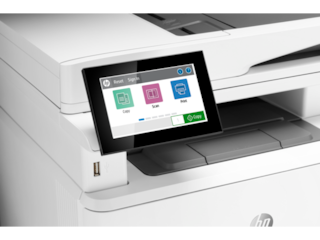
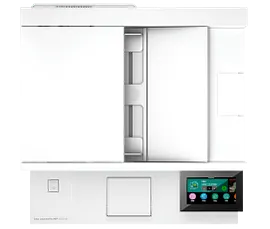
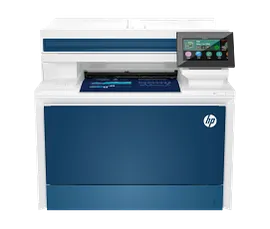
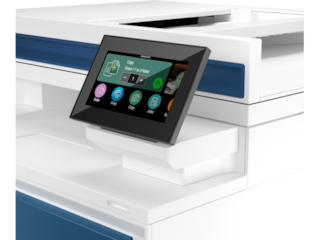
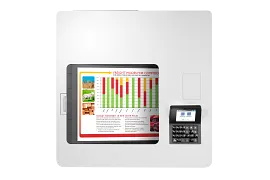
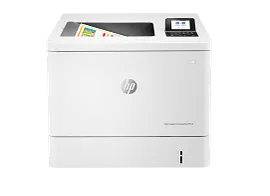
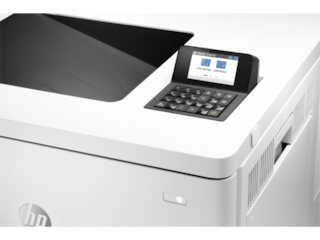
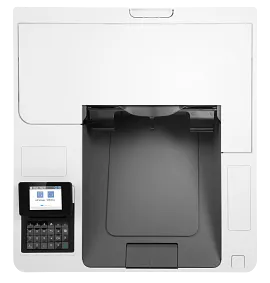
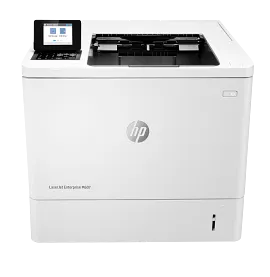
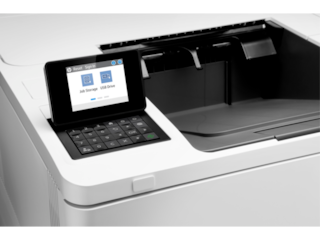
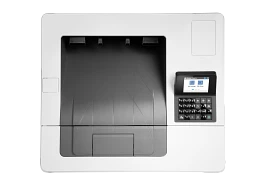
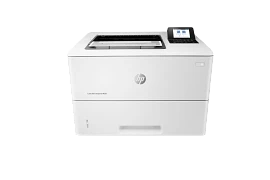
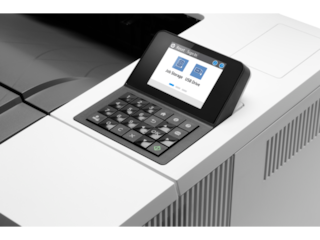
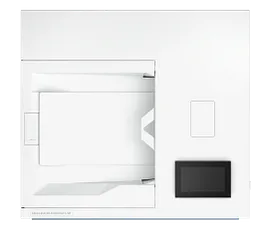
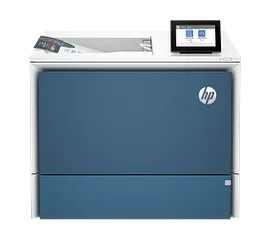
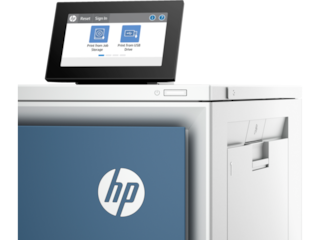
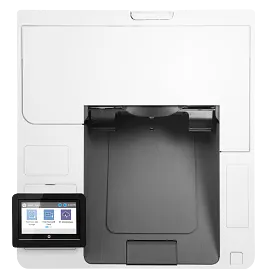
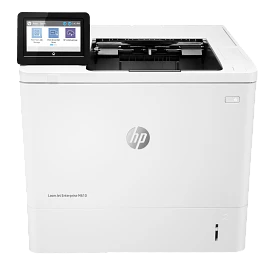
HP Color LaserJet Pro 4201dw Wireless Certified Refurbished Printer

Small medium business
Other offers available with the product:
FREE Storewide Shipping
HP Care Pack money back guarantee
Weekly Deals
Product # 4RA86FR#BGJ
FunctionsPrint
- Blazing fast speeds for professional quality color prints
- Color printing, wireless, ethernet, Bluetooth, auto 2-sided printing
- Advanced network protection with Wolf Pro security
- Dynamic security enabled printerSee all Specs
Can't find what you are looking for?
3% back in HP Rewards
Engineered for Sustainability
HP Color LaserJet Pro 4201dw Wireless Certified Refurbished Printer
$0.00
Save on quality, refurbished products. The HP collection of Certified Refurbished products are thoroughly tested to meet the same functional standards as comparable new products. HP’s refurbished products are put through a series of mechanical and electrical stress tests, complete software re-installation, a final inspection, and then thoroughly cleaned, sanitized and packaged in new boxes with the same supplies as new version printers. Refurbished Print products are covered by a same as new HP limited warranty and offer optional HP Care Pack Services. Most often, refurbished products are indistinguishable from their comparable new counterparts, though some may have cosmetic blemishes or scratches.
Get a blazing fast color printer and easy set up with LaserJet Pro.
Workteams will create high-impact documents that get noticed with the brilliant color delivered by HP office Color Laser printers.
This printer is intended to work only with cartridges that have a new or reused HP chip, and it uses dynamic security measures to block cartridges using a non-HP chip. Periodic firmware updates will maintain the effectiveness of these measures and block cartridges that previously worked. A reused HP chip enables the use of reused, remanufactured, and refilled cartridges. More at:
Maximum productivity in full color
Support your business workteam with this compact, high-performing, color printer, ideal for up to 10 users. Step up your workflow with blazing fast speed to meet high-demand environments. Avoid interruptions with Wi-Fi® that intelligently looks for the most stable connection to stay on-line. [7]
Simple set up
Quickly set up your printers so you can focus more on your business Streamlined set up makes it easy for your team to set up and get back to what matters.
Advance your security with HP Wolf Pro
Get printer fleet security out of the box. Preconfigured settings mean it's ready when you are. Add a layer of security. PIN/pull option authenticates your print jobs only when you're present. Strengthen and simplify compliance. This upgrade/solution applies your business policies across the fleet. [8]
Sustainable printing [4,6,13]
Redesigned Original HP TerraJet Cartridge for reduced plastic use and energy consumption when printing. [13,15] Trim your paper use. Default duplex setting prints on both sides of each page. Meet the industry standard for efficiency with Energy Star® rating. [4] Reduce your footprint. HP Auto-On/Auto-Off technology optimizes printer energy usage and costs. [5]
recommended supplies & support
Business team solution
Support your business workteam with this compact, high-performing, color printer, ideal for up to 10 users.
Blazing fast speed
Step up your workflow with blazing fast speed to meet high-demand environments.
Self-healing Wi-Fi® [7]
True-to-life colors [14]
HP Web Jetadmin. [3]
Simple set up
Set up your printers quickly so you can focus more on your business. Make it easy for your team to set up and get back to what matters.[2]
Technical details
HP Color LaserJet Pro 4201dw Wireless Certified Refurbished Printer is rated
out of
5 by
129.
Rated 1 out of
5
by
Georginia from
I do not have the printer. .
I do not have the printer. I returned it and asked for my refund.
Date published: 2025-12-20
Rated 5 out of
5
by
Dawnvallie from
Ink goes pretty quickly but I use a lot too so might be the user! Really good machine
Very good for colored spreadsheets
Date published: 2025-11-19
Rated 5 out of
5
by
Gabe L from
Fast and essy
Fast and easy to use printer
Date published: 2025-09-22
Rated 5 out of
5
by
Anonymous from
Fast with accurate colors
This printer was a replacement for a slightly cheaper competitor. The colors on this laser printer are more accurate, and the speed from print to copy is fantastic.
Date published: 2025-02-24
Rated 5 out of
5
by
Anonymous from
Good
Crisp clean printing fast publish ready
Date published: 2025-02-21
Rated 5 out of
5
by
Steve22222 from
HP 4201dw
Printer is excellent. I highly recommend purchasing the 550 paper tray or the user will be adding paper every 50 pages
Date published: 2025-02-07
Rated 5 out of
5
by
Wyoming Graphic Designer from
HP continues to impress
I run a small business out of my home and have always relied on HP printers. This laser printer was easy to set up and is reliable. The print quality is what I expected from a printer with these specs and is surprisingly fast. So far I am very pleased.
Date published: 2025-01-15
Rated 4 out of
5
by
40 yrs using HP printers from
Overall I like this printer HOWEVER there is one issue I cannot resolve
One problem. The printer driver came automatically set to duplex printing. I cannot find a way to turn this off. I usually do NOT want to print duplex, I want to print a single page at a time. For the rare times when I do want to print duplex, I have (since my initial HP LaserJet printer in 1983 or 1984) simply clicked to "print both sides". I don't care why you did what you did with this printer and its automatic duplex printing. I DO CARE that you tell me how to stop it...please.
Date published: 2024-10-18
How can I make a copy of something
Thanks for your question. This model is just a printer it does not support copy or scan. However, you can use the free HP Smart app to make a copy or scan it with your phone.
Date published: 2025-05-07
What is the type and size of memory in the unit, Can you provide the sanitization procedure?
This HP Color LaserJet Pro 4201dn Printer has 512 MB NAND Flash, and 512 MB DRAM memory.
Date published: 2023-11-28
Hi, Can this printer print on a4 cards and envelopes and as far as custom sizing? Any sizes can be set?
Thank you for your question! This HP Color LaserJet Pro 4201dn Printer is compatible with the following print sizes: : 3 x 5 to 8.5 x 14 in.
Date published: 2024-10-09
What i the anticipated release date of this printer? Is there a way to get on a notification list to be alerted when the printer is available?
No release date is currently available for this HP Color LaserJet Pro 4201dw Wireless Printer. Thanks for your question!
Date published: 2023-05-15
is there a 110volt fuser part for this printer?
No, there is no fuser for this printer.
Date published: 2023-09-01
how do i print over bluetooth with my HP Color LaserJet Pro 4201dw
Hello, Kevin. Thanks for your question. The HP Color LaserJet Pro 4201dw printer uses WiFi technology. If you want a direct connection. We recommend using WiFi Direct. Wireless Direct (WiFi Direct) allows you to directly connect to a printer from a mobile device or computer without the need for internet access or a wireless network. You would connect to the printer’s wireless direct signal just like you would connect to a wireless network. The printer would have a unique name in your wireless connections, i.e. Direct-04-Printer.
Date published: 2023-08-02
Does this printer come with a toner cartridge and paper
Hello. Thanks for your question. The HP Color LaserJet Pro 4201dw printer comes with four preinstalled introductory HP LaserJet Toner Cartridges. The black cartridge has an estimated yield of approximately 1,200 pages, while the cyan, magenta, and yellow cartridges each yield around 1,000 pages.
Date published: 2025-04-26
I just bought a new HP 4201dw printer to replace my HP 4025 that wore out but cannot find where to buy the fuser, transfer belt & waster toner unit for my new 4201 printer. Can you provide a link please. Much appreciated.
The HP Color LaserJet Pro 4201dn Printer does not have those products available via retail channels as those parts are not user-replaceable on this model.
Date published: 2024-06-20
SIMILAR PRODUCTS
1/6
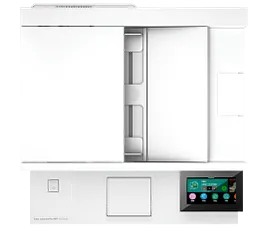
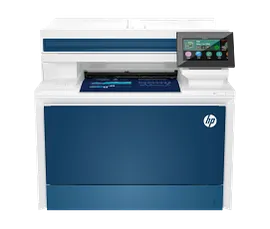
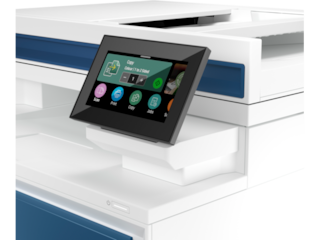
HP Color LaserJet Pro MFP 4301fdw Wireless Printer, AI-enabled
Blazing fast speeds for professional quality color printsColor printing, scan, copy, fax, wireless, ethernet, auto 2-sided printingAdvanced network protection with Wolf Pro securityDynamic security enabled printer
4RA82F#BGJ
ENERGY STAR | Small medium business
Engineered for Sustainability
3% back in HP Rewards
1/7
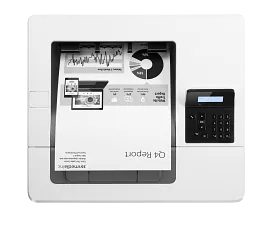
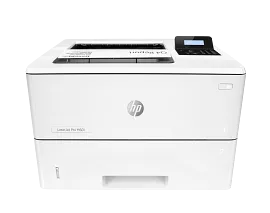
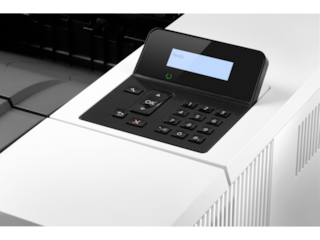
HP LaserJet Pro M501dn Printer
Print onlyPrint speed letter: Up to 45 ppm (black)
Auto duplex printing; 2 paper trays (standard); Uses toner with JetIntelligenceFCC Class A emissions - for use in commercial environments, not residential environments
J8H61A#BGJ
ENERGY STAR | Business
Engineered for Sustainability
3% back in HP Rewards
1/6
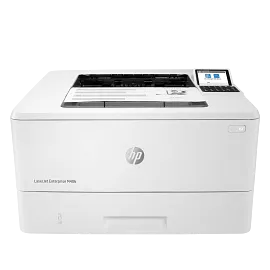
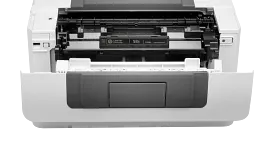
HP LaserJet Enterprise M406dn
Print onlyPrint speed letter: Up to 42 ppm (HP high speed mode) blackAuto duplex printing; 2 paper trays (standard); 2.7 inch color graphics displayThe world’s most secure printingDynamic security enabled printer
3PZ15A#BGJ
ENERGY STAR | Business
Engineered for Sustainability
3% back in HP Rewards
1/7
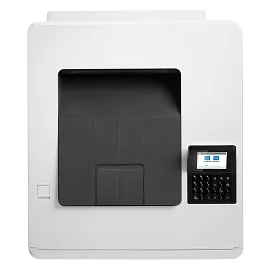
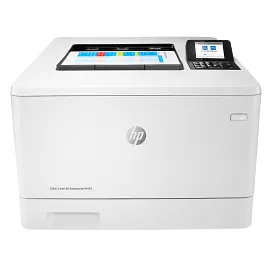
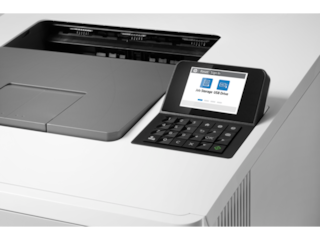
HP Color LaserJet Enterprise M455dn
Print onlyPrint speed letter: Up to 28 ppm black and colorAuto duplex printing; 2 paper trays (standard); 2.7 inch color graphics displayThe world’s most secure printingDynamic security enabled printer
3PZ95A#BGJ
ENERGY STAR | Business
Engineered for Sustainability
3% back in HP Rewards
Return and exchange information
Eligible purchases from Nov 1 - Dec 25, 2025, can be returned or exchanged until Jan 15, 2026, or 30 days after delivery, whichever is later. A 15% restocking fee may apply. For details, please visit: https://www.hp.com/us-en/shop/cv/returnsandexchanges


