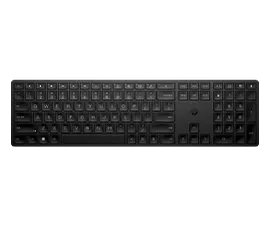
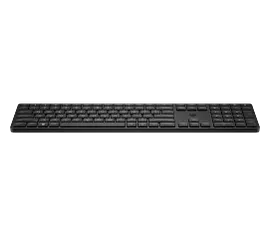
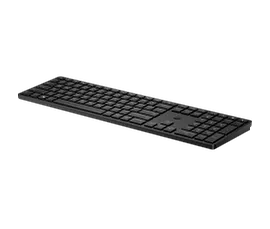
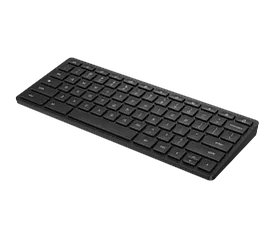
HP 970 Programmable Wireless Keyboard

Other offers available with the product:
FREE Storewide Shipping
Financing options available for all credit scores
Memorial Day Sale
Memorial Day deal!
Product # 3Z729AA#ABA
- Connect up to 3 devices
- Incredible typing experience
- Controllable smart backlight
- 20 + programmable shortcut keysSee all Specs
Can't find what you are looking for?
3% back in HP Rewards
Engineered for Sustainability
HP 970 Programmable Wireless Keyboard
$0.00
Now you can make your keyboard truly yours while enjoying an elevated typing experience. That's because we've included many must-have features like comfortable, quiet, soft return keys, 20+ of which can be programmed with shortcuts, controllable smart backlight, and a long life, rechargeable battery.
Customize for Control
Customize your keyboard with HPAC[1] and reduce needless keystrokes by programming the 20+ keys with shortcuts for your most used apps. Plus you can customize the backlighting feature by turning it on or off, adjusting light intensity, as well as the sleep mode timer.
Connectivity and Versatility
Multiple connectivity options mean more flexibility. Connect up to 3 devices — two via Bluetooth® and one via 2.4 GHz USB-A dongle, and switch between devices using one button. Plus you can easily pair peripherals to a Windows 10 PC in two steps using Microsoft Swift Pair.
Smart Features. Better Typing Experience.
This keyboard quietly delivers comfortable typing consistency through higher key height, dished finger-shaped keys and soft return technology. Plus customizable smart sensors help adjust backlit keys based on your room lighting condition and turns on the backlight when you approach or off when not in use to save energy.
Responsibly Made
Now you can purchase a keyboard that not only helps you be productive, but also helps the environment. This keyboard is designed with post-consumer recyclable materials[4].
Recommended Accessories
Technical Specs
Reviews and Q&A
HP 970 Programmable Wireless Keyboard is rated
out of
5 by
89.
Rated 5 out of
5
by
Jbm 85 from
Good buy for quality product.
Nice lighted keys comfortable touch and charge lasts a long time.
Date published: 2023-03-14
Rated 5 out of
5
by
Jerry Li from
Bussin keyboard: would bring to prom
The keys go clittity-clack like they should and the backlighting is very distracting. It always connects to Bluetooth. Very flat and solid, but almost too long to fit in a backpack.
Date published: 2023-03-12
Rated 5 out of
5
by
Moe_Green from
Soooooo noooicee
Quiet typing. Sleek design. Connecting to multiple devices is easy.
Date published: 2023-03-03
Rated 5 out of
5
by
JDA01 from
lighted keyboard
I like the lighted keyboard which makes it easy to work - plus a solid construct gives you confidence
Date published: 2023-02-21
Rated 5 out of
5
by
nicknickdoingit from
Happy
Extremely smart, Keyboard ! nicely built ,,very sensitive ! smooth !!
Date published: 2023-02-20
Rated 5 out of
5
by
MrsMb from
Love this. Perfect.
Love this keyboard. Only 2 things I was a little disappointed in. Programmable keys are great but theres no option for a MAIL button which I would have liked. Secondly the directions for syncing to connect are a little confusing. It's simple but explained wierd. Good price and well worth it.
Date published: 2023-01-19
Rated 1 out of
5
by
ErikaOliv from
Disappointed
The keyboard continues to disconnect randomly. The customer service number has to be hunted for. I'm not completely happy with the product.
Date published: 2022-12-20
Rated 4 out of
5
by
Bell 85 from
Rechargeable.
Did not know the keyboard was rechargeable. Would have preferred battery.
Date published: 2022-12-20
Rated 3 out of
5
by
BriPDX from
Attractive, not functional
Summary: looks nice but is not functional. The good: I like the silver color of this keyboard, which coordinates with the white and silver design of my home office. I also like the short keys that have a soft feel. I replaced a generic office keyboard and these keys are quieter and I can type faster. I do find I make more mistakes, as I have longer nails and taller keys seemed to accommodate them better. With this keyboard I can sneak in a Teams message while on video unmuted and others can't hear. The small size means it will work with the "compact" 8" Humanscale keyboard tray, allowing less distance between me and the front edge of my desk. The bad: the layout of the keys annoys me. The delete key is in an unusual spot and is I have to look for it every time I login to my computer. I use function keys a lot for specific systems and using Excel. I have to first press the function key. This might be programmable but I'm not one to figure out how to do that. The Deal Breaker is the lack of Pause Break key. I can't use certain platforms (e.g. mainframe systems) without this key. I've searched online for a workaround and tried a dozen different key combos, none worked. So I'm back to using my old, wired keyboard.
Date published: 2022-12-16
Rated 5 out of
5
by
Gene Z from
Satisfied HP Keyboard Customer
As advertised and meeting expectations.
Date published: 2022-11-01
Rated 5 out of
5
by
Jess G. from
Easy Switch
Easy to switch between devices
Date published: 2022-10-24
Rated 5 out of
5
by
Mychael from
Beautiful piece of tech
Sharp looks
Date published: 2022-09-15
Rated 4 out of
5
by
CMDS from
Great keyboard. Bad instructions.
The keyboard is really great but it is up to you to figure out how to use it. Plugging it in should guide you to the on-line instructions. Only that didn't work. Plugging it in didn't do anything. The keyboard didn't work. There were no instructions with the box. After 1/2 hour on the website, you discover that you have to download HP Accessory Center. Even that has minimal instructions and no real insights into the design. So after another 1/2 hour, it worked. And it was great. I programmed the F3 key and that worked great. Except, I lost the capability to capitalize in Word with Shift-F4. Oh well, the rest of it is fantastic. You can run your laptop with Bluetooth and the desktop with the dongle. Great idea. Typing is also natural and easy. Best of all keyboards.
Date published: 2022-09-05
Rated 5 out of
5
by
Arisco from
All the shortcuts I need
So far is great. I don't know about the rechargeable battery life because I haven't had it for too long. But I love the keyboard layout and buttons
Date published: 2022-08-07
Can I pair this keyboard dongle with a mouse from either HP or Logitech?
Thank you for your question! The keyboard dongle is not programmable and is set to interact with the keyboard only.
Date published: 2023-07-04
Is there a trick to getting the Dictation and Emoji buttons to work? Mine do nothing when I press them.
Thank you for your question! For assistance assistance with this question contact HP Tech Support at this link: https://support.hp.com/us-en
Also, HP Smart Friend is available to assist as well. Visit this link for more details: https://www.hp.com/us-en/services/consumer/smartfriend-overview.html
Date published: 2024-06-20
How do I pair this keyboard to my HP laptop? I tried turning on the bluetooth from my computer but the keyboard did not show up nor do I know a button on the keyboard to pair it with or turn it on. Thank you!
Thank you for your question! This HP 970 Programmable Wireless Keyboard can be connected via the included USB-A dongle as well as Bluetooth. For further assistance, the setup guide can be found at this link: https://support.hp.com/us-en/product/setup-user-guides/hp-970-programmable-wireless-keyboard/2100822995
Date published: 2024-04-05
The backlight does not stay on. How can I change the settings to make it stay on? Sometimes it stays on. Sometimes it does not. and even when I press the backlight button, it only stays on temporarily.
To adjust the sleep setting on your backlit keyboard select Control Panel > Hardware and Sound> Windows Mobility Center. In the Windows Mobility Center, look for the Keyboard brightness (or Keyboard backlighting) setting, select its corresponding slider, and pull that slider over to the right. The sleep setting is to maximize the battery life of your keyboard. Changing this setting will greatly impact your battery life.
Date published: 2024-08-16
what wireless mouse do you recommend to pair with this keyboard
Hello Mike, and thank you for your question! That would depend greatly on your needs and preferences when it comes to a mouse. The HP 710 Rechargeable Silent Mouse is a popular option however and can be found here: https://www.hp.com/us-en/shop/pdp/hp-710-rechargeable-silent-mouse
The HP 710 Rechargeable Silent Mouse has a long battery life, is compatible with most devices, is for both left-handed and right-handed people, and has programmable buttons as well.
Date published: 2025-02-04
Hi, Are the keys on this keyboard metal or plastic?
This HP 970 Programmable Wireless Keyboard is manufactured with recycled content. Up to 20% of which are recycled plastics.
Date published: 2023-05-06
Is there a way to turn the backlight default to off? when activating the from sleep it turns on at a low setting. It's easy enough to turn off but would be nice to set the default to off.
Hi Sean, and thanks for your question! That setting should be in the Windows OS. In the Windows Mobility Center, look for the Keyboard brightness (or Keyboard backlighting) setting, select its corresponding slider, and pull that slider over to the right.
Date published: 2024-08-16
in regards to the hp 970 keyboard, does the number lock key and the caps lock key have a indicator light to show that this function is active?
Thank you for your question! The HP 970 Programmable Wireless Keyboard features a light above the NumLock to inform you that the number pad is on.
Date published: 2025-05-20
Similar Products
1/6
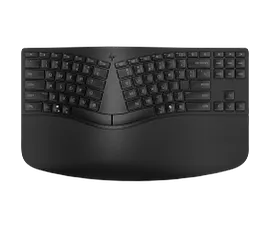
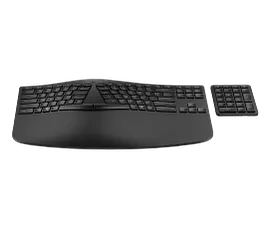
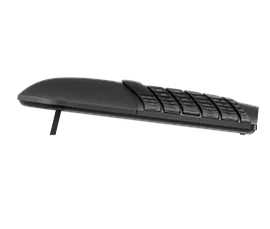
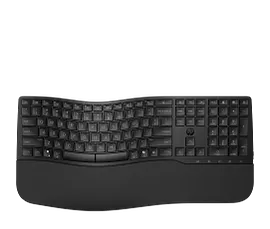
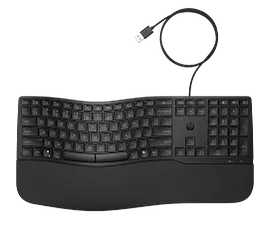
HP 960 Ergonomic Wireless Keyboard
Ergonomic, adaptable design with separate keypadProgrammable keys[1] and adjustable keypadSwift and seamless Bluetooth® connectionsMade with 60% post-consumer recycled materials[5]
7E755AA#ABA
Engineered for Sustainability
Memorial Day deal!
3% back in HP Rewards
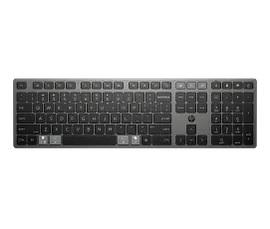
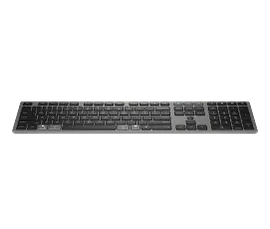
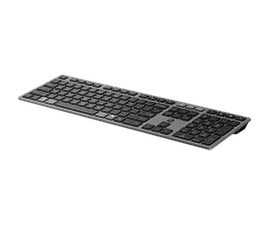
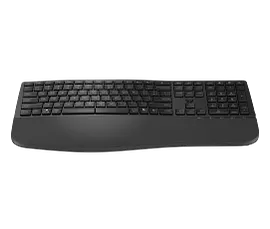
HP 720 Multi-Device Rechargeable Wireless Keyboard
Ultra-fast chargingConnect across operating systems[4] and devicesProgrammable keys[6] and Microsoft Copilot[7] keyMade with at least 60% post-consumer recycled materials[8]
9T5B1AA#ABA
Engineered for Sustainability
Memorial Day deal!
3% back in HP Rewards
1/6
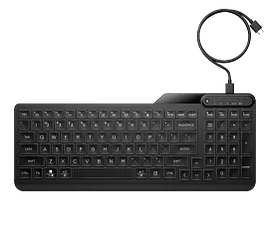
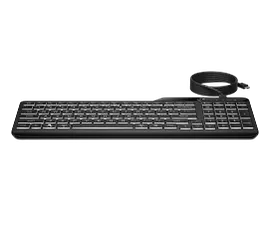
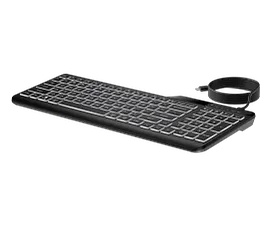
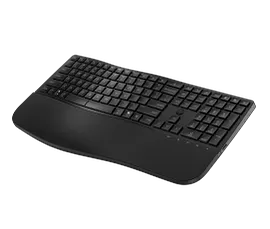
HP 400 Backlit Wired Keyboard
Slim, comfy, backlit, and quietCreate your own shortcut keys[2]USB-C® cord, USB-A adapter includedContains 50% post-consumer recycled materials[3]
7N7C0AA#ABA
Engineered for Sustainability
Memorial Day deal!
3% back in HP Rewards
1/7
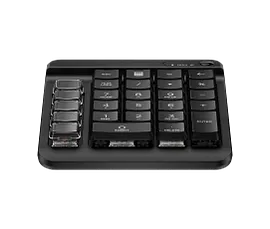
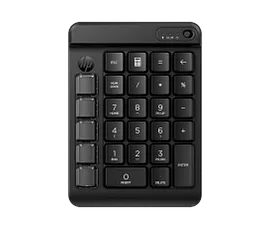
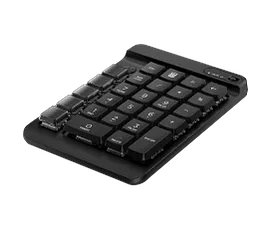
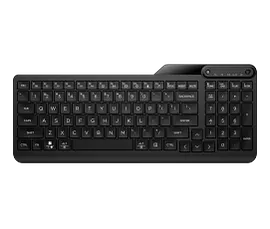
HP 430 Programmable Wireless Keypad
Create your own shortcut keys[1]Bluetooth® connectivity with Swift Pair supportQuiet, comfortable, customizableContains 50% post-consumer recycled plastics[3]
7N7C2AA#ABA
Engineered for Sustainability
Memorial Day deal!
3% back in HP Rewards
Return and exchange information
Most items may be returned within 30 days of delivery. A restocking fee of up to 15% of the purchase price may be deducted from your refund for returned items, except where prohibited by law. No restocking fee applies to defective or incorrect items. A restocking fee is not applicable for printers, ink, toner, paper, care packs, software and services. For details, please visit: https://www.hp.com/us-en/shop/cv/returnsandexchanges.


