OMEN MAX Gaming Laptop 16-ah0097nr 16", Windows 11 Home, Intel® Core™ Ultra 9, 32GB RAM, 1TB SSD, NVIDIA® GeForce RTX™ 5080, WQXGA, Shadow black



ENERGY STAR | Home
Other offers available with the product:
FREE Storewide Shipping
Creative tools for just $129.99!
Money-back guarantee
Financing options available for all credit scores
Black Friday Sale
Extra $30 off select printers with any PC
Buy this PC and get 25 free XBOX games!
Product # B64BNUA#ABA
Screen Size16"ColorShadow black aluminum in cover and base, light bar, RGB in keyboard frame, black chrome logo
- Windows 11 Home
- Intel® Core™ Ultra 9 Series 2 processor
- NVIDIA® GeForce RTX™ 5080 Laptop GPU (16 GB GDDR7 dedicated)
- 32 GB memory;1 TB SSD storage
- 16" diagonal WQXGA displaySee all Specs
Can't find what you are looking for?
Sustainability features
OMEN MAX Gaming Laptop 16-ah0097nr 16", Windows 11 Home, Intel® Core™ Ultra 9, 32GB RAM, 1TB SSD, NVIDIA® GeForce RTX™ 5080, WQXGA, Shadow black
$0.00
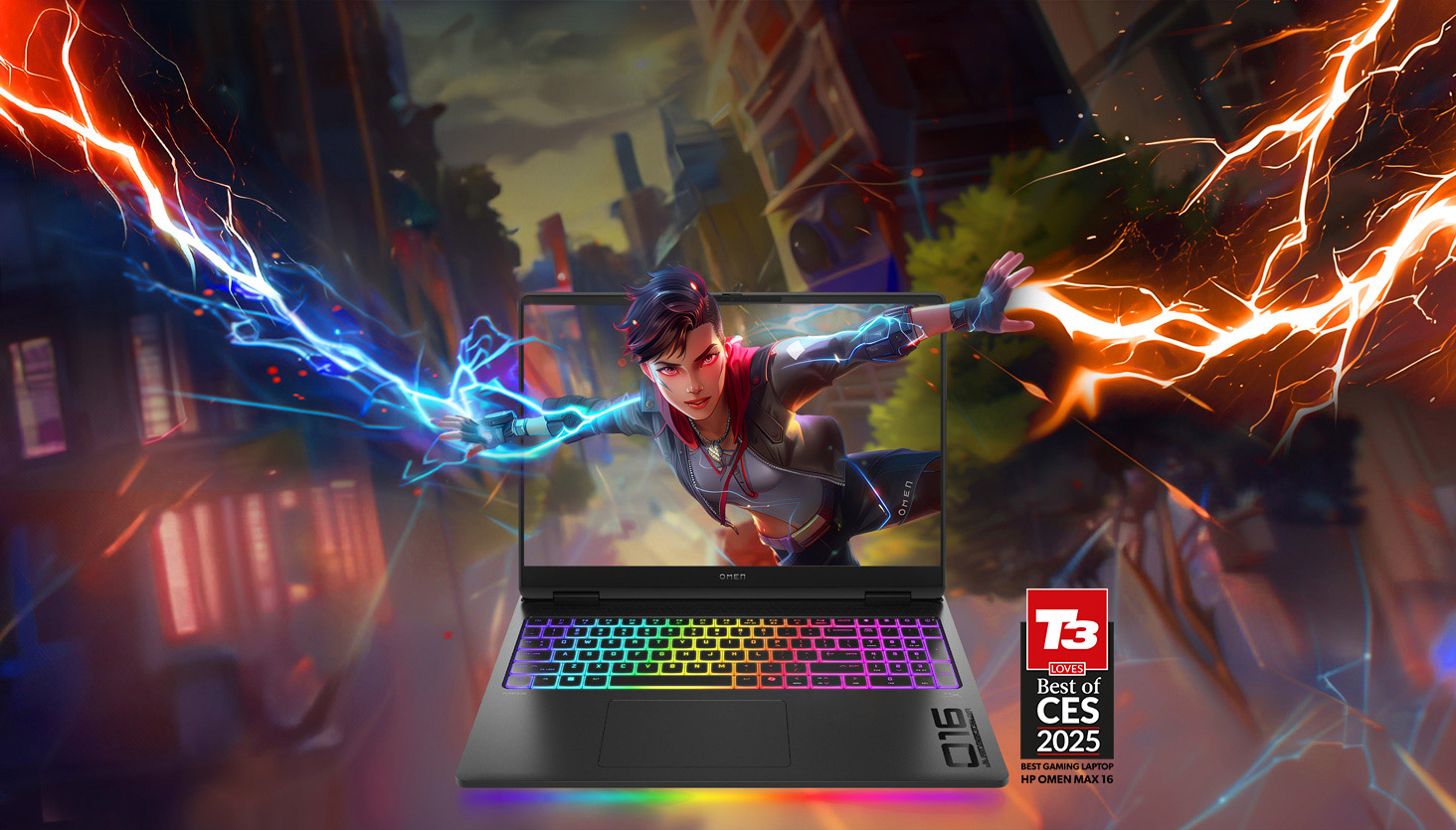
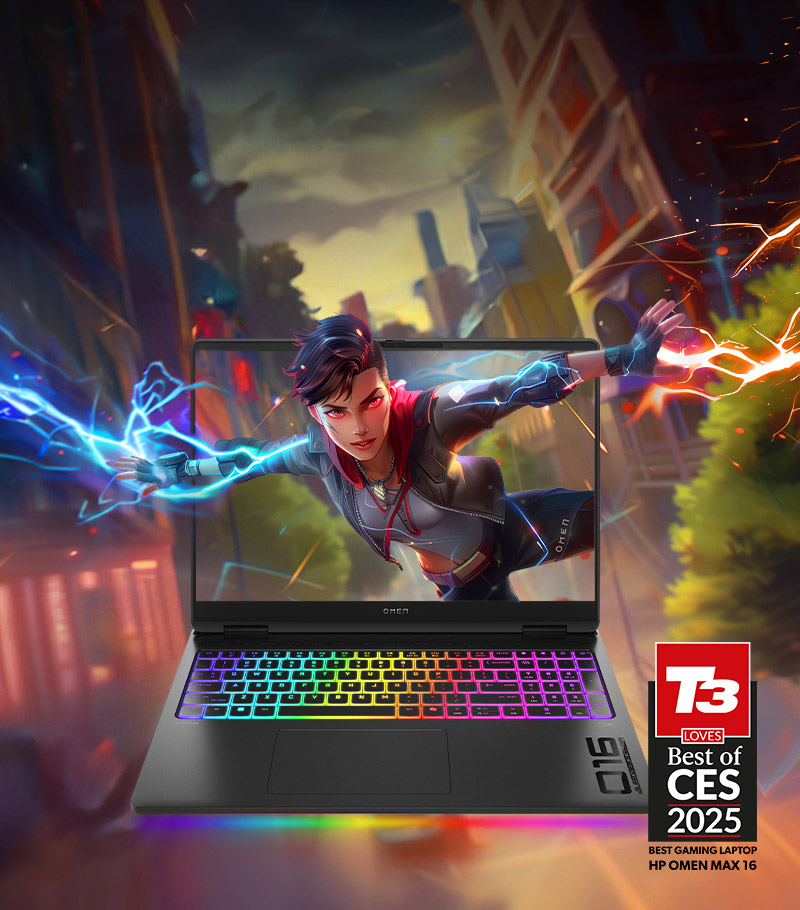
The OMEN 16 MAX gaming laptop provides unparalleled performance both at-home or on-the-go. With next-gen NVIDIA® GPUs and Intel® Core™ Ultra CPUs[1], a new Unleashed Mode for manual overclocking, and a thermal architecture built to cut down on both throttling and long term wear, dedicated gamers can achieve their best for years to come.
Technical specifications
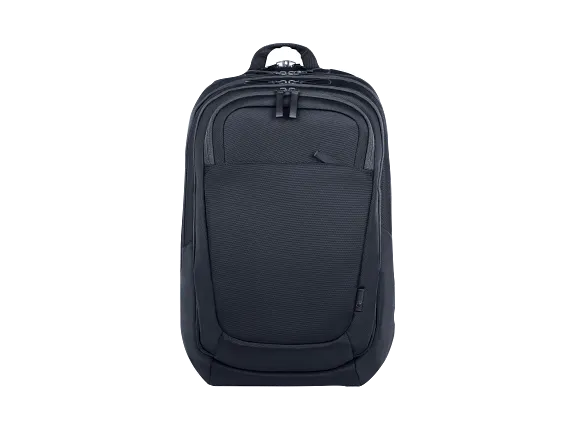
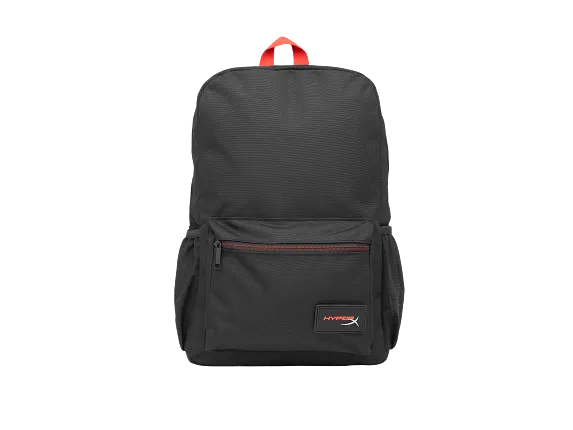
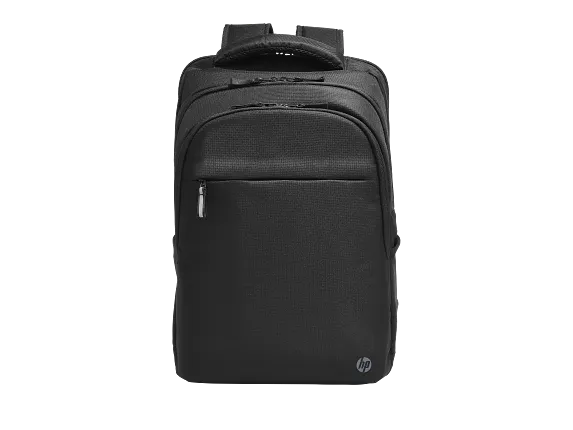
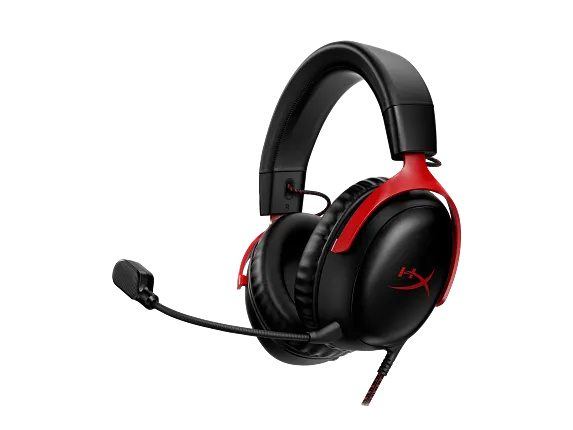
Recommended Accessories


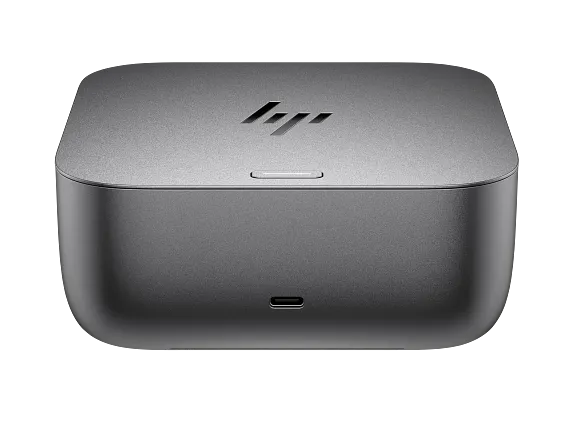

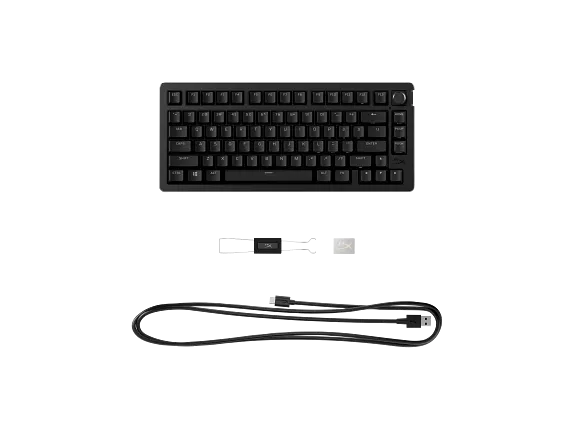

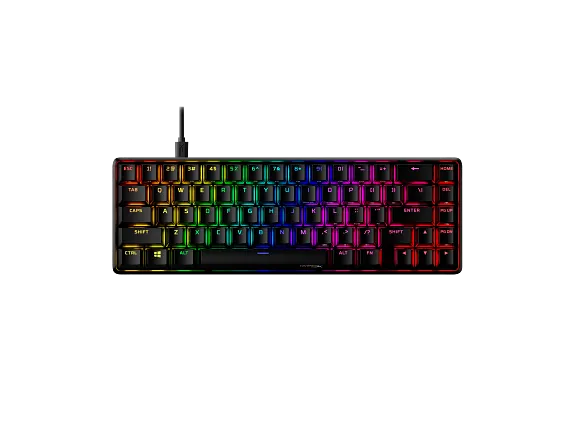



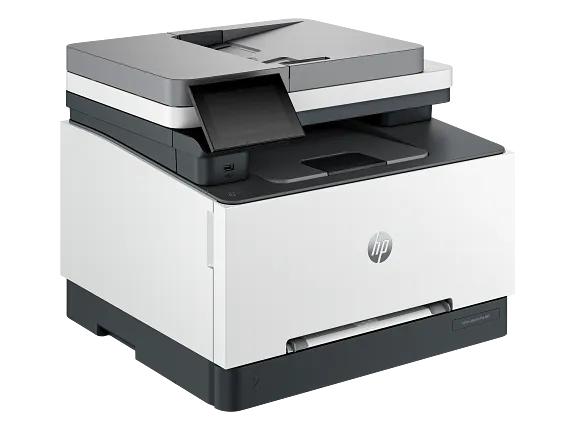
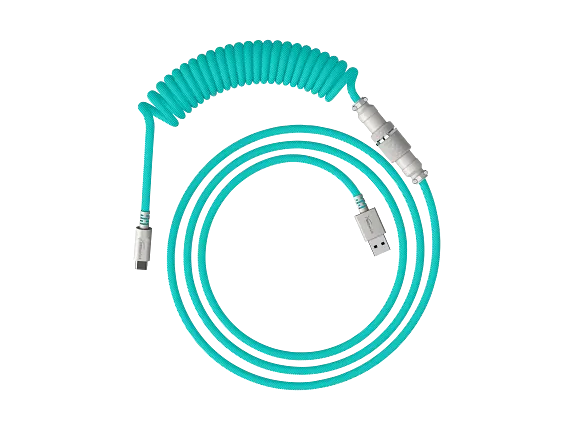
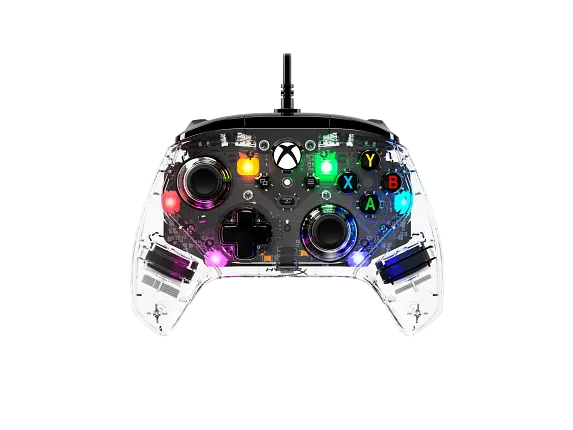
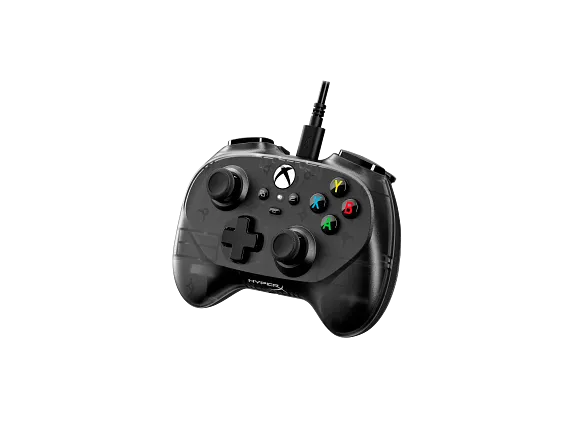

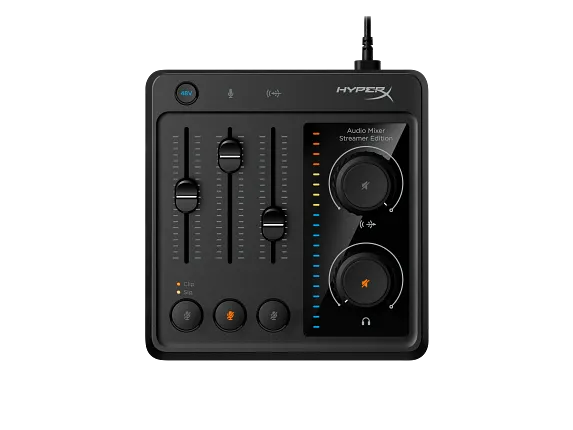
-
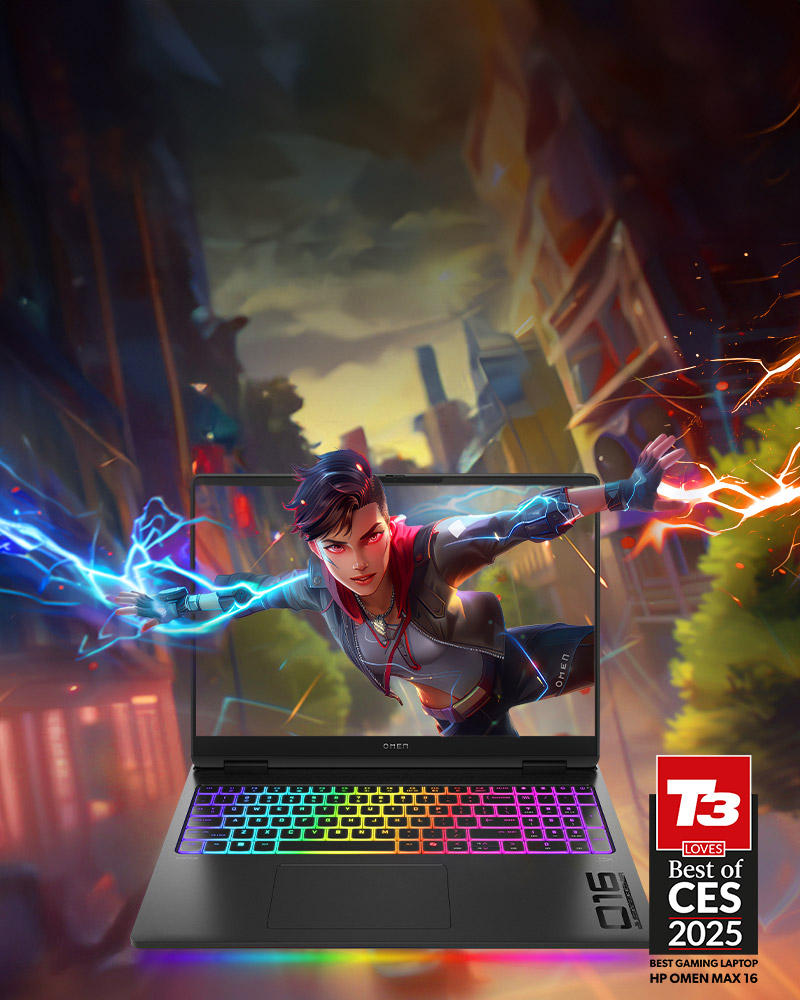

BUILT TO BREAK LIMITS
OMEN MAX 16 Gaming Laptop
-
INTRODUCING OMEN TEMPEST COOLING PRO
The new OMEN MAX 16 is our most powerful laptop yet, and as such, needed our most powerful cooling system yet. Our brand–new OMEN Tempest Cooling PRO architecture was specifically built to always keep your components cool—even under high stress—so you can maintain maximum performance without fear of throttling.
Fan Cleaner (Powered by Intel®)
OMEN's new self-cleaning fan technology greatly reduces performance falloff and need for maintenance over time.OMEN Cryo Compound
Our upgraded hybrid material, which is applied to both the CPU and GPU, includes all the heat dissipation benefits of traditional liquid metal with increased viscosity for improved device longevity.OMEN IR Sensor
Our IR thermopile sensor allows your machine to dynamically adjust and optimize thermal and acoustic performance in real-time. -
DESKTOP-LEVEL PERFORMANCE ANYWHERE WITH INTEL®
INTEL® CORE™ ULTRA 9
Experience legendary gaming performance with newly developed cores.
Offload AI tasks for better, smoother gaming and streaming experiences.
Multi-task with minimal interruptions with greatly improved multithreading.

-
DESKTOP-LEVEL PERFORMANCE ANYWHERE WITH INTEL®
INTEL® CORE™ ULTRA 9
Experience legendary gaming performance with newly developed cores.
Offload AI tasks for better, smoother gaming and streaming experiences.
Multi-task with minimal interruptions with greatly improved multithreading.
-
LEVEL UP YOUR PC

NVIDIA® GeForce RTX™ 5080 GPU
NVIDIA's new Blackwell Architecture is 2x faster than the previous generation, providing a quantum leap in performance and enabling unparalleled game experiences through improved ray tracing, DLSS 4, and NVIDIA Reflex 2.
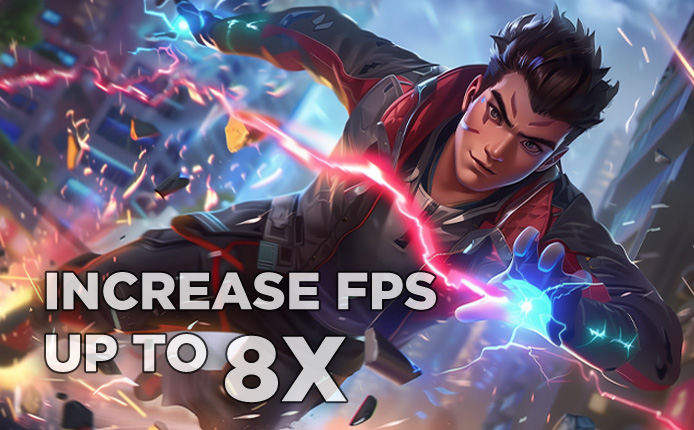
Max FPS, Max Quality
The new DLSS 4 with Multi Frame Generation uses neural rendering models to accelerate FPS by up to 8x for the smoothest possible gameplay.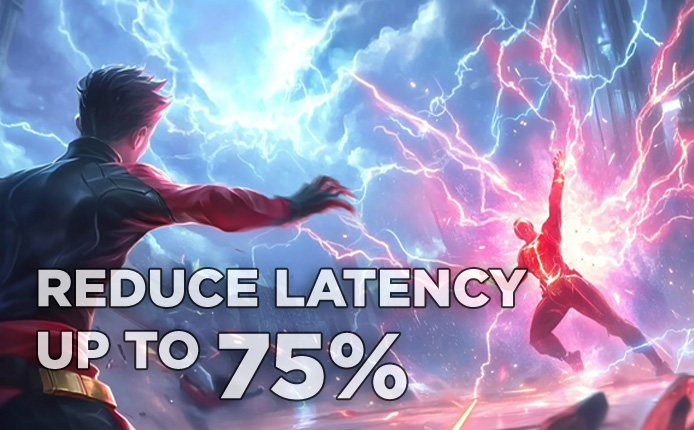
Your Advantage
Reduce your latency by up to 75% with the new NVIDIA Reflex 2, giving you the best responsiveness for the ultimate competitive advantage. -
PUSHED TO THE MAX
CPU
75WTOTAL UP TO
250W TPPGPU
175W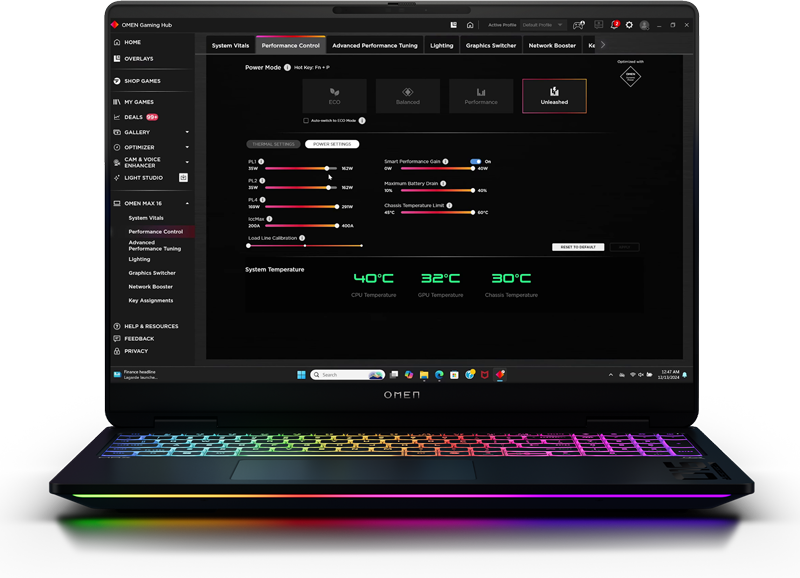
Unleashed Mode
Manually clock your device beyond it's out-of-the-box limits without having to go into the BIOS with our new Unleashed Mode, which is only made possible by the thermal innovations of OMEN Tempest Cooling Pro.
Unleashed Mode is available now in OMEN Gaming Hub under Performance Control.
-
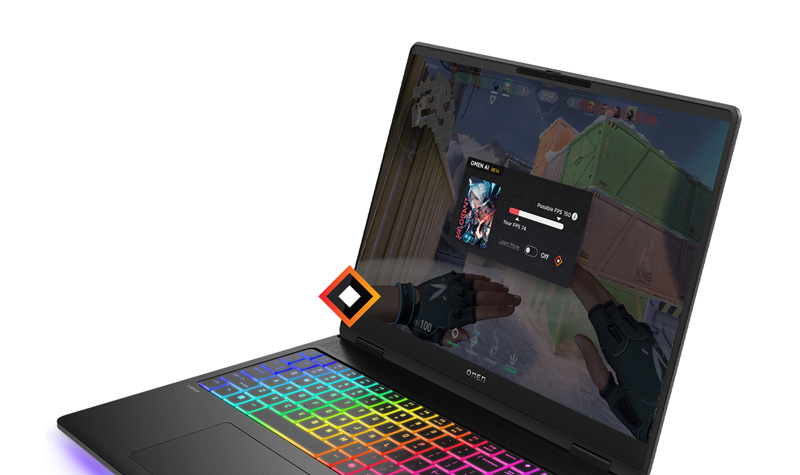
OMEN AI
OMEN AI gets you the best possible FPS for your games with personalized settings recommendations. No troubleshooting needed, just the click of a button.
You can access OMEN AI in OMEN Gaming Hub along with other great performance features like Optimizer, Network Booster, and Unleashed mode for manual overclock control.
-


Seamless wireless gaming, no dongles required
Forget the hassle of dongles and lost USB ports. Instant Pair lets you connect select HyperX peripherals* directly to your OMEN laptop using high-speed 2.4GHz wireless. Less clutter, more play.

1. Seamless setup & less clutter. No more juggling dongles. Enjoy clean, hassle-free gaming.

2. Full-speed wireless performance. Experience the speed of 2.4GHz gaming without losing ports or performance.

3. Jump into gaming instantly. Turn on, connect, and start playing-zero setup delays.

4. Better together: HyperX & OMEN. Designed for peak performance when used with compatible OMEN laptops.
* Instant Pair is available with the following HyperX products:
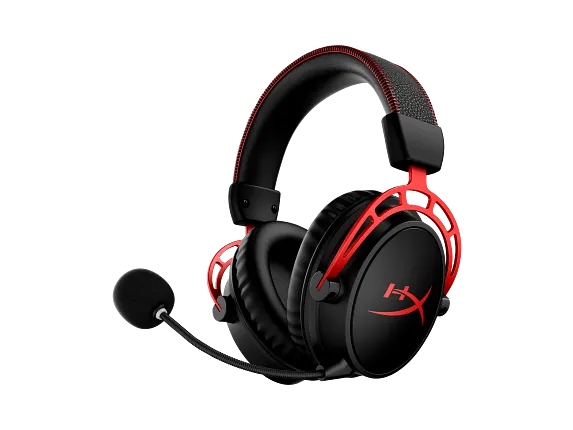
HyperX Cloud III S Wireless Black Gaming Headset (A59YZAA), HyperX Cloud III S Wireless Black-Red Gaming Headset (A59Z0AA), HyperX Pulsefire Haste 2 Pro Wireless Gaming Mouse (A1KY5AA), Pulsefire Saga Pro Wireless Gaming Mouse (A2PB2AA). -
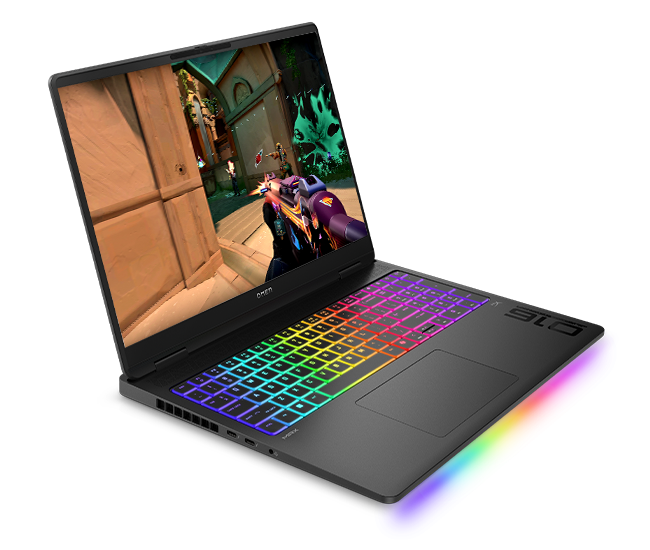

WQXGA Resolution Display
240hz refresh rate with a .2 ms response time for lightning fast gaming.

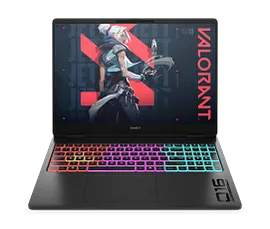
Per-Key RGB Keyboard & Light Bar
Fully customizable in OMEN Gaming Hub's Light Studio.

32 GB DDR5-5600 MHZ RAM
Handle all of your gaming, creating, and other tasks with ease.

1TB PCle SSD
PCIe-based flash storage is up to 30x faster than a traditional 5400-rpm hard drive.
-
#OMENSquad
OMEN MAX 16 inch Gaming Laptop PC 16-ah0000 - Buyer's Guide
Review configuration guidance for OMEN MAX 16 inch Gaming Laptop PC 16-ah0000 across Available Processor, Memory & Upgrade Path, Available Display Options, Wireless Connectivity, Battery Life, Available Power Adapter, Ports & Connectivity, Available Audio System Specifications, Storage Options, Graphics Options.
This Buyers Guide is generated using AI which can make mistakes. Please verify all information using the product page or data sheet for important disclosures and complete information.
Not all configuration components are available in all regions/countries.
Source: HP series specifications

Available Processor
Compare listed processor options and configuration guidance.
OMEN MAX 16 inch Gaming Laptop PC 16-ah0000 offers the processor families listed below. Exact processors and available configurations depend on the selected model and region.
Swipe horizontally to view the full table.
Processor Family | Selection Guidance |
|---|---|
Intel Core Ultra 9 processor | See product page or HP series specifications for complete disclosures. |
Intel Core Ultra 7 processor | See product page or HP series specifications for complete disclosures. |
How To Choose
Select a processor from the options offered for your configuration. Check application and operating-system compatibility before choosing.

Memory & Upgrade Path
Review listed memory capacity, architecture, and upgrade guidance.
Memory capacity, architecture and service access vary by configuration. Listed options are not the memory installed in every SKU. 64 GB memory is available only on models configured with NVIDIA GeForce RTX 5090, 5080 or 5070 Ti graphics.
Swipe horizontally to view the full table.
Feature | Specification |
|---|---|
Listed capacities | 16 GB, 24 GB, 32 GB, 64 GB |
Memory architecture | DDR5 |
Memory slots listed | 2 slots; availability and service access depend on the configuration. |
How To Choose
Choose enough installed memory for your applications. Confirm the exact configuration and HP service guidance before planning an upgrade.
See product page or HP series specifications for complete disclosures.

Available Display Options
Compare listed display options, brightness, touch, and availability notes.
Display panels are configuration options. Confirm the size, resolution, touch capability and panel characteristics on the selected product page.
Swipe horizontally to view the full table.
Panel | Listed Specifications |
|---|---|
2560 x 1600 | OLED, 240 Hz |
2560 x 1600 | IPS, Antiglare, 500 nits, 240 Hz, 100% sRGB |
1920 x 1200 | IPS, Antiglare, 400 nits, 100% sRGB |
How To Choose
Choose the panel offered for your configuration that fits your resolution, touch and viewing requirements. Brightness and color specifications describe the panel, not every SKU.
See product page or HP series specifications for complete disclosures.

Wireless Connectivity
Review listed wireless modules, standards, and network requirements.
Wireless capability depends on the installed card, supported software, compatible network equipment and regional availability. A wireless access point and internet service may be required and are not included.
Swipe horizontally to view the full table.
Feature | Specification |
|---|---|
Option 1 | IntelWi-Fi7 BE200 (2x2) and Bluetooth 5.4 |
Option 2 | Intel Wi-Fi 6E AX211(2x2) and Bluetooth 5.3 wireless card |
How To Choose
Confirm the wireless card offered for your model and the network equipment you will use. Do not assume every listed wireless option is installed.
See product page or HP series specifications for complete disclosures.

Battery Life
Review listed battery options, published runtime results, and charging conditions.
Battery capacity is not a runtime guarantee. Actual runtime and capacity vary with the configuration, use, settings, temperature and battery age.
Swipe horizontally to view the full table.
Feature | Specification |
|---|---|
Listed battery capacity | 83 Wh |
Battery construction | 6-cell; exact battery depends on the model. |
How To Choose
Compare the battery offered for the selected model. Check the product page and series specifications for charging conditions and battery disclosures. No runtime or fast-charge guarantee is made here.
See product page or HP series specifications for complete disclosures.

Available Power Adapter
Review listed power options and wattage guidance.
Power options depend on the selected configuration. Listed adapters and power supplies are alternatives, not interchangeable replacement recommendations.
Swipe horizontally to view the full table.
Feature | Specification |
|---|---|
Option 1 | 330 W AC power adapter NOTE: Available only on models configured with NVIDIAGeForce RTX 5090,5080, or5070Tigraphics card. |
Option 2 | 280 W AC power adapter |
How To Choose
Use the HP-approved power adapter or supply specified for your configuration. Confirm wattage and connector type before buying a replacement.
See product page or HP series specifications for complete disclosures.

Ports & Connectivity
Check port layout and external display notes.
Port availability and functions depend on the selected configuration. Connector shape does not establish charging, video or docking support. Optional ports are not included on every model.
Swipe horizontally to view the full table.
Feature | Specification |
|---|---|
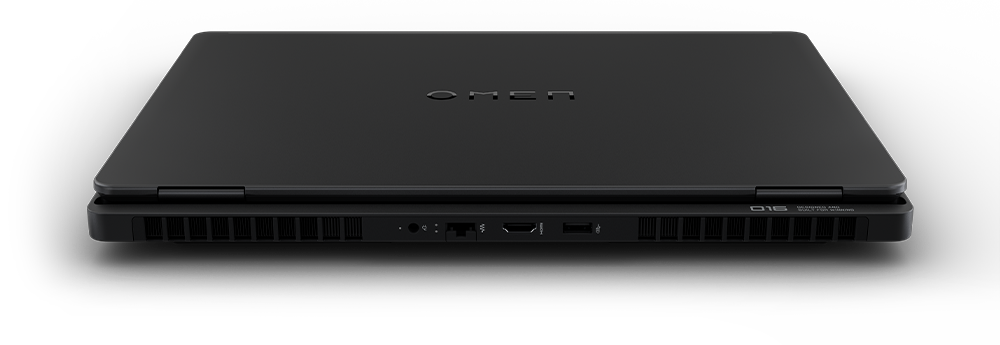
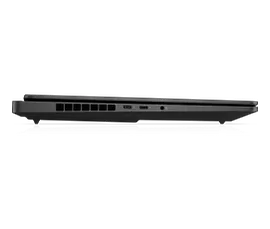
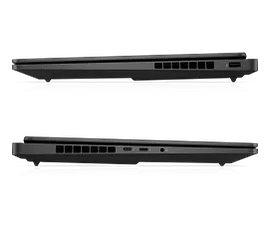
Connection 1 | (2)Thunderbolt 4 with USB Type-C ports; 40 Gbps signaling rate (USB Power Delivery, DisplayPort 2.1, HP Sleep and Charge) |
Connection 2 | (2) USB 3.2 Gen 2.0 Type-A ports; 10 Gbps signaling rate |
Connection 3 | (1)RJ-45 Ethernet port |
Connection 4 | (1) Headphone/microphone combo port |
Connection 5 | (1)HDMI 2.1 output port |
Connection 6 | (1) AC Smart pin adapter plug |
How To Choose
Check the connectors needed by your peripherals. For USB-C, confirm the explicitly listed charging, display and data functions before selecting a dock or adapter.
See product page or HP series specifications for complete disclosures.

Available Audio System Specifications
Review audio, microphone, speaker, and camera specifications.
Audio hardware and features depend on the selected configuration.
Swipe horizontally to view the full table.
Feature | Specification |
|---|---|
Audio | HyperX Dual speakers DTS:X= Ultra HP Audio Boost |
How To Choose
Confirm whether you need the built-in speakers or an external audio accessory. Verify headset, microphone and application compatibility.
See product page or HP series specifications for complete disclosures.

Storage Options
Review the listed storage options specifications and configuration guidance.
Listed components are alternatives across the series. Availability depends on the selected configuration.
Swipe horizontally to view the full table.
Feature | Specification |
|---|---|
Option 1 | Single storage option |
Option 2 | 1 TB PCIe Gen 5.0 x4 NVMePerformance M.2 SSD |
Option 3 | 2 TB PCIe Gen 4.0 x4 NVMePerformance M.2 SSD |
Option 4 | 1 TB PCIe Gen 4.0 x4 NVMePerformance M.2 SSD |
Option 5 | 1 TB PCIe Gen 4.0 x4 NVMe M.2 SSD |
Option 6 | 512 GB PCIe Gen 4.0 x4 NVMe M.2 SSD Dual storage option |
Option 7 | (2) 512 GB PCIe Gen 4.0 x4 NVMe M.2 SSD |
How To Choose
Choose the storage device and capacity offered for your configuration. Confirm compatibility and HP service requirements before adding or replacing a drive.
See product page or HP series specifications for complete disclosures.

Graphics Options
Review the listed graphics options specifications and configuration guidance.
Listed components are alternatives across the series. Availability depends on the selected configuration.
Swipe horizontally to view the full table.
Feature | Specification |
|---|---|
Option 1 | Intel Graphics |
How To Choose
Choose from the graphics options offered for the selected model. Confirm application, display and power requirements for that configuration.
See product page or HP series specifications for complete disclosures.
Reviews and Q&A
Similar Products
1/7
OMEN MAX Gaming Laptop 16-ah0057nr 16", Windows 11 Home, Intel® Core™ Ultra 7, 16GB RAM, 1TB SSD, NVIDIA® GeForce RTX™ 5070, 2K, Shadow black
Windows 11 HomeIntel® Core™ Ultra 7 processorNVIDIA® GeForce RTX™ 5070 Laptop GPU (8 GB GDDR7 dedicated)16 GB memory;1 TB SSD storage16" diagonal 2K display
B96R7UA#ABA
Home
Sustainability features
Free HyperX gift with this PC!
Return and exchange information
Eligible purchases from Nov 1 - Dec 25, 2026, can be returned or exchanged until Jan 15, 2027, or 30 days after delivery, whichever is later. For details, please visit: https://www.hp.com/us-en/shop/cv/returnsandexchanges


