HP 975 Dual-Mode Wireless Keyboard for business
Other offers available with the product:
FREE Storewide Shipping
Black Friday in July
Product # 3Z726AA#ABA
- Connect up to 3 devices
- Incredible typing experience
- Controllable smart backlight
- 20 + programmable shortcut keysSee all Specs
Can't find what you are looking for?
 Engineered for Sustainability
9% back in HP Rewards
HP 975 Dual-Mode Wireless Keyboard for business
$0.00
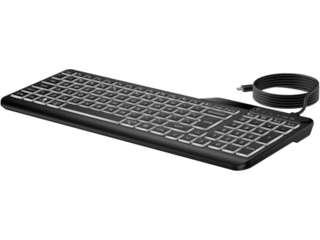
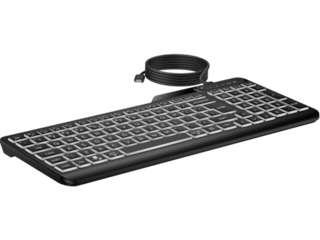
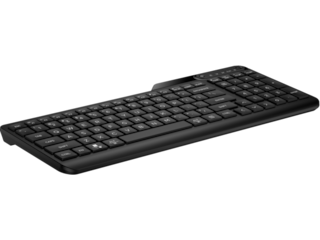
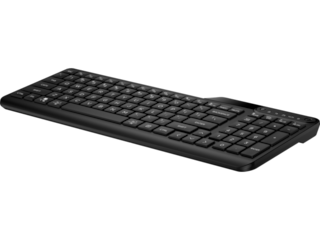
Now you can make your keyboard truly yours while enjoying an elevated typing experience. That's because you can connect up to 3 devices either via Bluetooth® or USB-A. We've also included many must-have features like comfortable, quiet, soft return keys, 20+ of which can be programmed with shortcuts, controllable smart backlight, and a long life, rechargeable battery.
Connectivity and Versatility
Multiple connectivity options mean more flexibility. Connect up to 3 devices — two via Bluetooth® and one via 2.4 GHz USB-A dongle, and switch between devices using one button. Plus you can easily pair peripherals to a Windows 10 PC in two steps using Microsoft Swift Pair.
Smart Features. Better Typing Experience.
This keyboard quietly delivers comfortable typing consistency through higher key height, dished finger-shaped keys and soft return technology. Plus customizable smart sensors help adjust backlit keys based on your room lighting condition and turns on the backlight when you approach or off when not in use to save energy.
Long-Lasting Rechargeable Battery
Frequently battery changes are more than frustrating. They can also drain your productivity and who needs that? Problem solved with a battery that's rechargeable via a simple USB-C connection and lasts up to six months with LEDs turned off[1].
Responsibly Made
Now you can purchase a keyboard that not only helps you be productive, but also helps the environment. We worked hard to design a keyboard that's plastics consist of 20% post-consumer recycled materials[3] so you can feel good about your purchase.
recommended accessories
Technical details
HP 975 Dual-Mode Wireless Keyboard for business is rated
out of
5 by
12.
Rated 5 out of
5
by
Martin O. from
Love it!
I have used the HP 975 Wireless Keyboard for over a month now, and I have loved it. They keystrokes are just soft enough and the key placement is ideal.
Date published: 2025-02-11
iS IT FULL SIZE?
Thank you for your question, the HP 975 Dual-Mode Wireless Keyboard is a full-size keyboard.
Date published: 2025-01-13
is there a way to keep the backlit keys on?
Thank you for your question! To turn on the backlight on an HP 975 Dual-Mode Wireless Keyboard and keep it constantly on, you typically need to access the keyboard settings through the HP Accessory Center app, where you can adjust the backlight timeout setting to "Never" which will keep the backlight illuminated continuously; check your specific keyboard manual for exact instructions on accessing these settings.
Date published: 2024-11-22
SIMILAR PRODUCTS
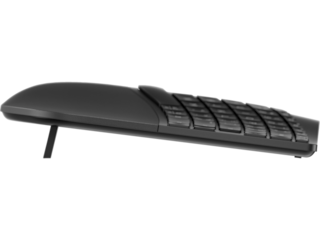
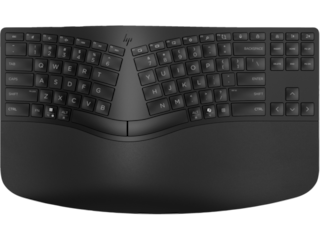
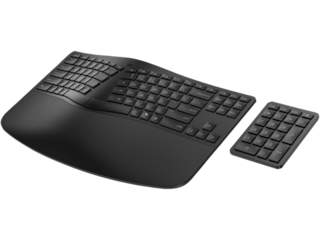
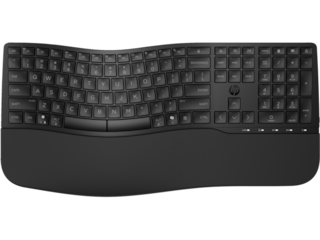
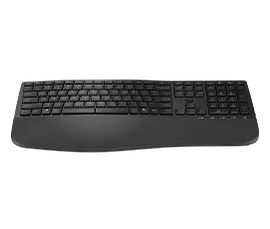
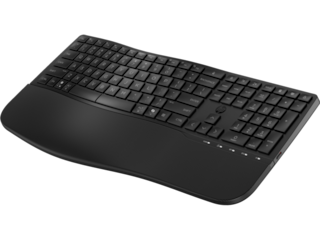
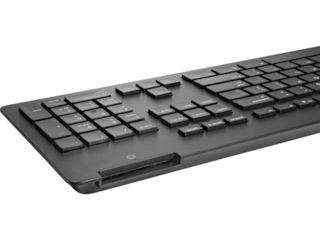
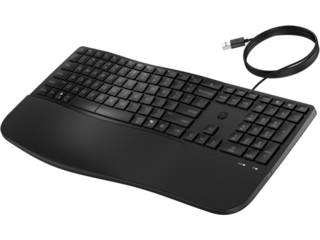
HP 965 Ergonomic Wireless Keyboard for business
Ergonomic, adaptable design with separate keypadProgrammable keys[1] and adjustable keypadSwift and seamless Bluetooth® connectionsMade with 60% post-consumer recycled materials[5]
7E756AA#ABA
 Engineered for Sustainability
Top deal!
9% back in HP Rewards
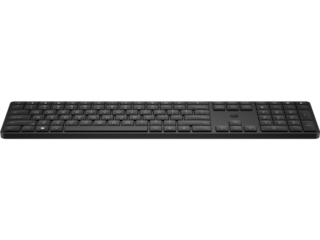
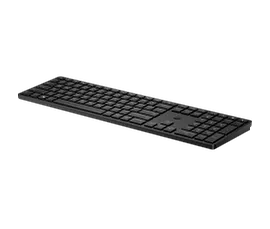
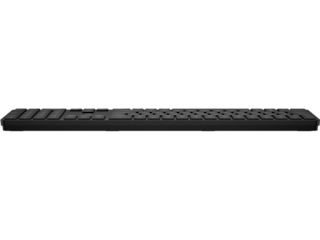
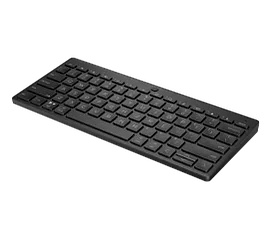
HP 455 Programmable Wireless Keyboard for business
Accurate typing experience20 + programmable shortcut keysResponsibly made with 60% recycled materialsWireless connectivity via USB dongle
4R177AA#ABA
Engineered for SustainabilityTop deal!
3% back in HP Rewards
1/6
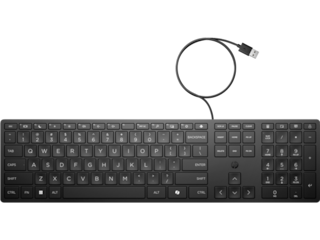
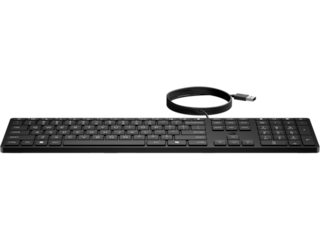
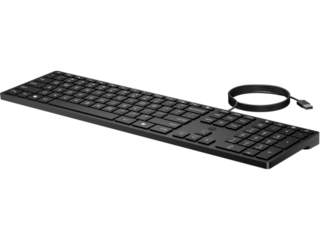
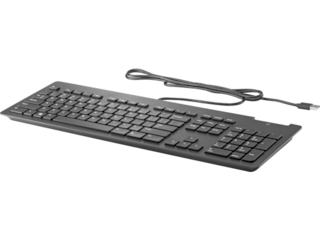
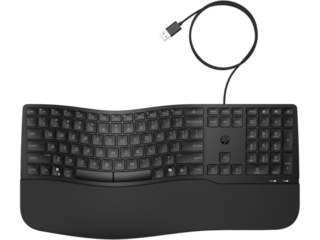
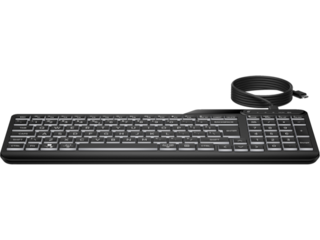
HP 320K Wired Keyboard
A reduced sized, three-zone keyboard with an adjustable slopeUSB plug and play simplicity and keylock LED alertWithstands daily cleaning with select disinfecting wipes[1]Made with least 75% post-consumer recycled materials[2]
9SR37UT#ABA
Engineered for Sustainability3% back in HP Rewards
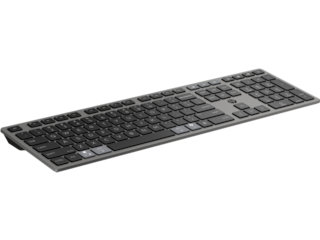
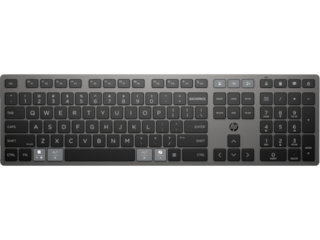
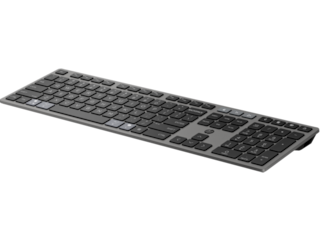
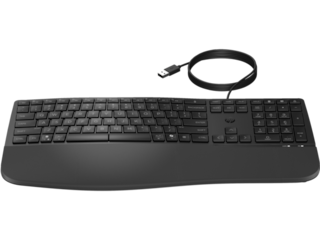
HP 725 Multi-Device Rechargeable Wireless Keyboard
Ultra-fast chargingConnect across operating systems[4] and devicesProgrammable keys[6] and Microsoft Copilot[7] keyMade with at least 60% post-consumer recycled materials[8]
9T5B2AA#ABA
Engineered for Sustainability3% back in HP Rewards




Return and exchange information
HP.com will accept returns or exchanges for this product up to 30 days after delivery. A restocking fee may apply. For details, please visit: https://www.hp.com/us-en/shop/cv/returnsandexchanges.


