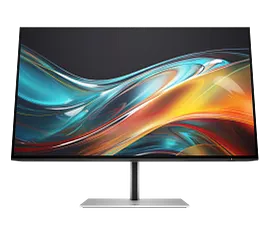
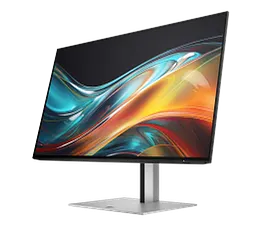
HP Series 7 Pro 37.5 inch WQHD+ Thunderbolt 4 Monitor - 738pu


Other offers available with the product:
FREE Storewide Shipping
Labor Day Sale
Product # 8K167AA#ABA
 Engineered for Sustainability
HP Series 7 Pro 37.5 inch WQHD+ Thunderbolt 4 Monitor - 738pu
$0.00
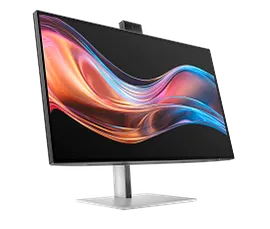
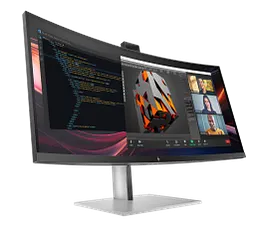
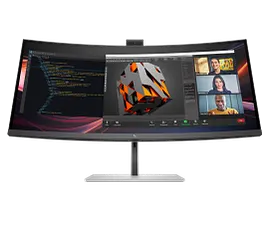
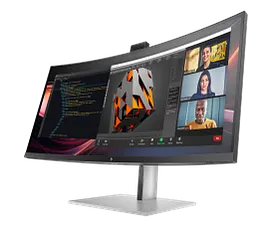
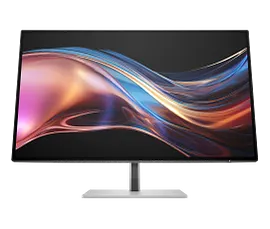
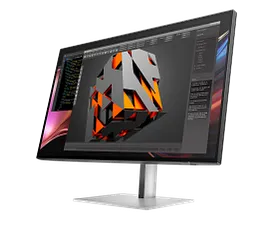
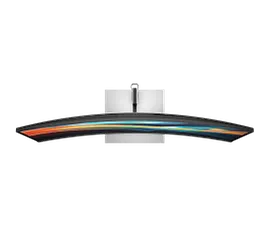
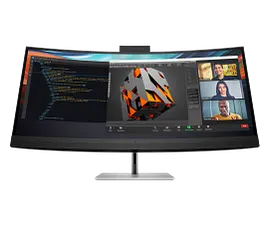
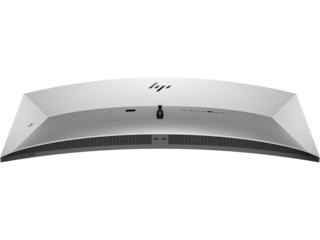
The path to excellence doesn’t cut corners, it curves them. The HP 37.5" WQHD+ Thunderbolt 4 Monitor pushes you above and beyond with dazzling colors on a powerful, ultrawide curved monitor for effortless productivity.
Note: A Text-to-Speech adapter (N70674-001) is available for this model to comply with FCC Title 47 Accessibility Requirements. Please contact US Customer Service https://www.hp.com/us-en/hp-information/accessibility-aging/need-help.html for further assistance.
Note: A Text-to-Speech adapter (N70674-001) is available for this model to comply with FCC Title 47 Accessibility Requirements. Please contact US Customer Service https://www.hp.com/us-en/hp-information/accessibility-aging/need-help.html for further assistance.
Your vision, exactly as you dream it
Productivity beyond measure
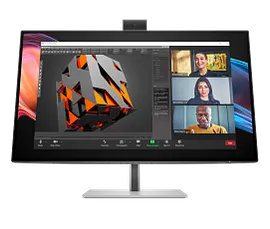
Elevate your work with uninterrupted performance. This superfast Thunderbolt™ 4 monitor delivers high-resolution video, high-speed data, and up to 100W charging for multiple devices.[3] Enjoy the power and versatility to make advanced workflows effortless.
Made to fit you perfectly
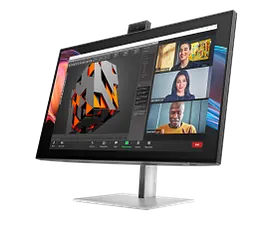
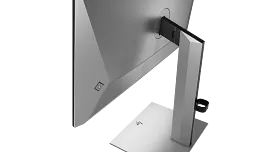
For all-day comfort, settle into your workflow by finding your screen’s perfect position with three-way adjustability and Ergonomic Setup Guide.[4] Help your eyes stay fresh, day or night, with the ambient light sensor that automatically adjusts the monitor’s brightness.
recommended accessories
Technical details
HP Series 7 Pro 37.5 inch WQHD+ Thunderbolt 4 Monitor - 738pu is rated
out of
5 by
2.
Rated 2 out of
5
by
Lev R from
Not as good
Did not meet my expectations. As much as display specification are very attracted & image is very nice, the KVM portion is very disappointed. The KVM depends on the presence of the USB-C device and stop working as soon as the laptop is disconnected, leaving DP source only (which is my primary PC). Switching sources is also hassle, I wish HP would include remote control for the navigation/control of the display. For the price I paid, I expected more PRO type of display, this one is mid-range consumer monitor.
Date published: 2025-01-02
what is the distance from the bottom of monitor to bottom of stand?
Thank you for your question! For assistance ordering HP Parts, please visit this link: https://partsurfer.hp.com/
Date published: 2025-04-21
With HDMI video connection (not Thunderbolt), how can I connect my webcam? My goal is to plug it into the back of the monitor when I need it, but it is not connecting unless I plug into the PC.
Thank you for your question! Using the HDMI connection for video with this HP Series 7 Pro 37.5 inch WQHD+ Thunderbolt 4 Monitor is perfect. Just use the included USB-C to USB-A port to connect to your PC. This cable must be connected for webcam compatibility.
Date published: 2025-03-10
What is the speaker output?
Thank you for your question! The built-in speakers on this HP Series 7 Pro 37.5 inch WQHD+ Thunderbolt 4 Monitor - 738pu will output sound via the bottom of the display.
Date published: 2024-08-26
What is the weight of the monitor, without the stand?
Thank you for your question! The total weight of the HP Series 7 Pro 37.5 inch WQHD+ Thunderbolt 4 Monitor - 738pu is 27.01 pounds. No information is available on the weight of just the display.
Date published: 2025-01-07
With HDMI video connection (not Thunderbolt), how can I connect my webcam?
Thank you for your question! Using the HDMI connection for video with this HP Series 7 Pro 37.5 inch WQHD+ Thunderbolt 4 Monitor is perfect. Just use the included USB-C to USB-A port to connect to your PC. This cable must be connected for webcam compatibility.
Date published: 2025-03-10
What is the stand weight on the HP Pro series; or otherwise the weight of the monitor without the stand?
Thank you for your question! Unfortunately, there is no information available on the weight of just the stand. This HP Series 7 Pro 37.5 inch WQHD+ Thunderbolt 4 Monitor - 738pu weighs 27.01lb.
Date published: 2024-11-05
Screen replacement? How much for just the screen no labor?
Thank you for your question! This forum does not have information on parts pricing. Please visit the HP PartSurfer webpage at this link for assistance: https://partsurfer.hp.com/
Date published: 2024-12-11
SIMILAR PRODUCTS
HP Series 3 Pro 23.8 inch FHD Monitor - 324pf
FHD (1920 x 1080)1000:15ms GtG (with overdrive)Brightness+; Color; Image; Input; Power; Menu; Management; Information; Exit
9U5J5UT#ABA
 Engineered for Sustainability
3% back in HP Rewards
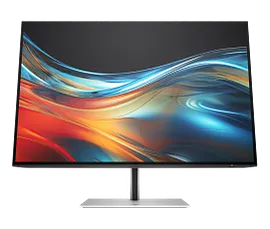
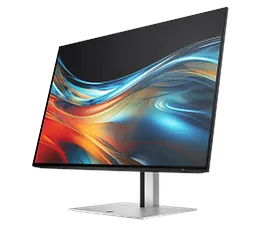
HP Series 7 Pro 24 inch WUXGA Monitor - 724pn
WUXGA (1920 x 1200)1500:15ms GtG (with overdrive)Brightness+; Color; Image; Input; Power; Menu; Management; Information; Exit
8X534AA#ABA
Engineered for Sustainability9% back in HP Rewards
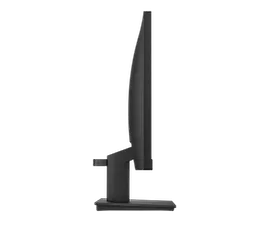
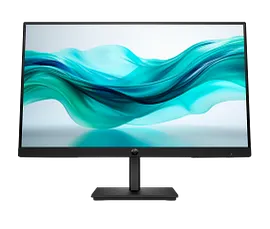
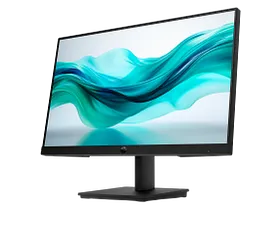
HP Series 3 Pro 21.5 inch FHD Monitor - 322pf
FHD (1920 x 1080)1000:15ms GtG (with overdrive)Brightness+; Color; Image; Input; Power; Menu; Management; Information; Exit
9U5B0UT#ABA
Engineered for Sustainability3% back in HP Rewards
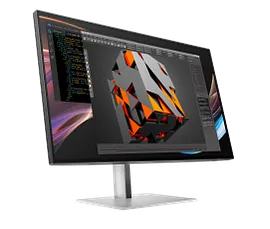
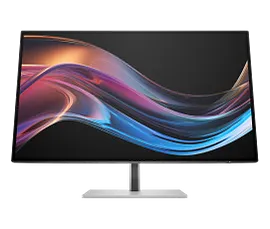
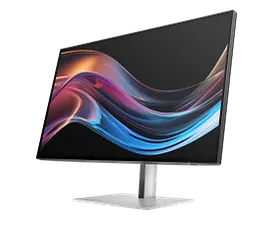
HP Series 7 Pro 27 inch 4K Thunderbolt 4 Monitor - 727pk
4K UHD (3840 x 2160)2000:15ms GtG (with overdrive)Color; Image; Input; Power; Menu; Management; Information; Exit; Split screen
8J9G2AA#ABA
Engineered for Sustainability9% back in HP Rewards

Return and exchange information
HP.com will accept returns or exchanges for this product up to 30 days after delivery. A restocking fee may apply. For details, please visit: https://www.hp.com/us-en/shop/cv/returnsandexchanges.


