


ENERGY STAR | Home
Other offers available with the product:
FREE Storewide Shipping
Creative tools for just $129.99!
Money-back guarantee
Financing options available for all credit scores
Black Friday Sale
Free HyperX gift with this PC!
Extra $30 off select printers with any PC
Product # D0UL7AV_1
- Windows 11 Home
- Intel® Core™ Ultra 5 250KF Plus (up to 5.3 GHz with Intel® Turbo Boost Technology, 30 MB L3 cache, 18 cores,18 threads)
- NVIDIA® GeForce RTX™ 5060 Ti (8 GB GDDR7; Display Connectors: DP*3, HDMI*1)
- Kingston FURY 16GB DDR5-6000 MT/s XMP RGB Heatsink (1 x 16 GB)
- 1 TB PCIE® NVME™ M.2 SSDSee all Specs
Can't find what you are looking for?
Sustainability features
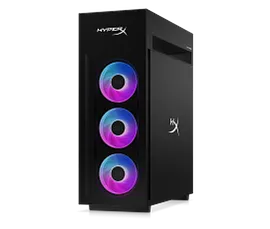
HyperX OMEN 35L Gaming Desktop PC GT18-0000t
$0.00
The HyperX OMEN 35L Gaming Desktop PC unlocks your performance potential. It features the latest Intel® Core™ Ultra Processor[1] and advanced graphics, with HyperX branded components optimized for peak thermal capabilities and power. Designed for easy tool-less upgradeability and personalization to suit your gaming needs.
Technical specifications
Recommended Accessories







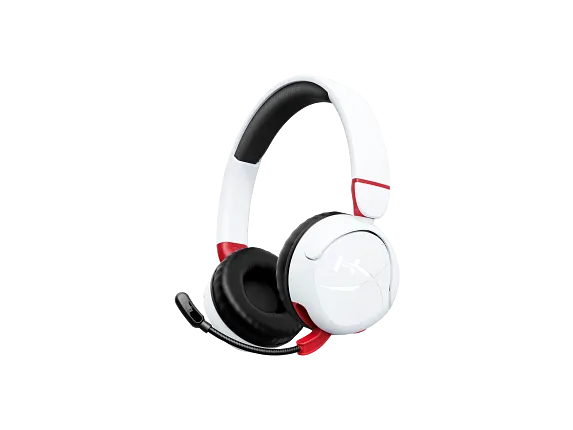
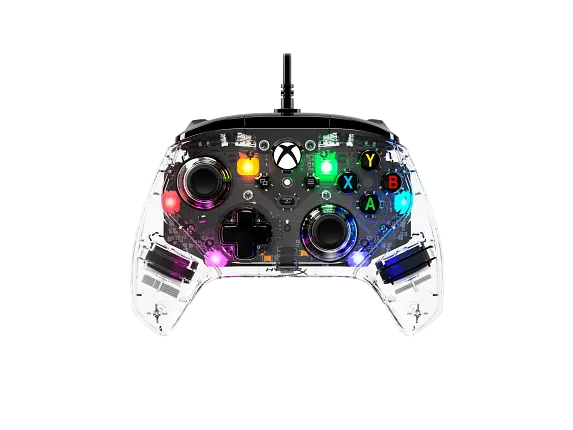
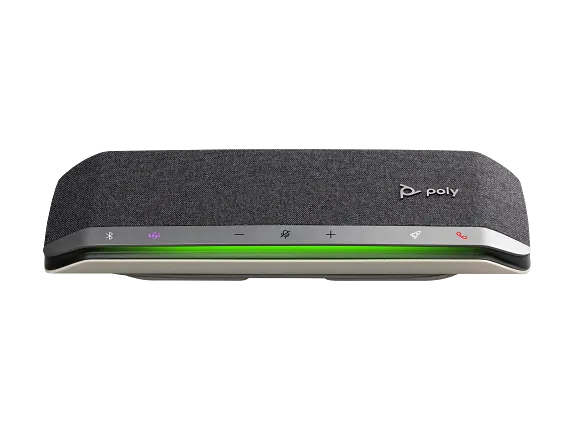
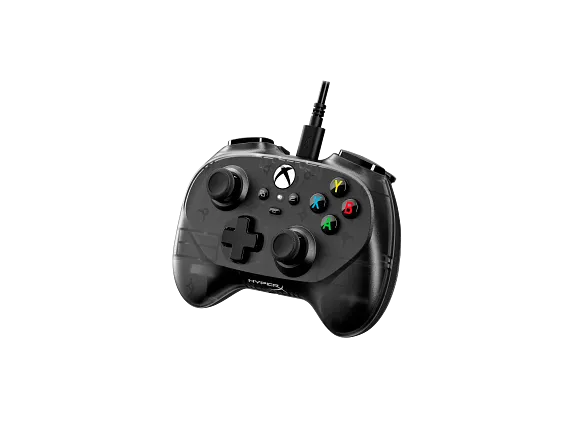
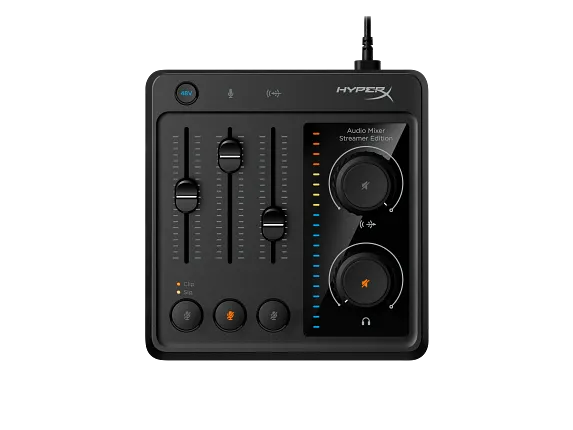
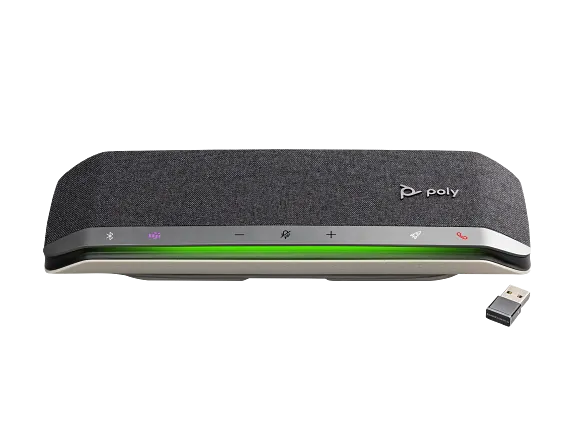


Lose the Noise,
Dominate
the Game


UP TO
Kingston FURY 128GB DDR5-4800 MT/s
XMP RGB Heatsink (4 x 32 GB)
Everything from multi-tasking to your favorite games get a performance boost.

UP TO
2 TB PCIe® Gen5 NVMe™ M.2 SSD
Get fast boot up times and massive with SSD.

UP TO
Realtek Wi-Fi 7 (2x2) and Bluetooth® 6.0 wireless card
Ensure you have the fastest connection speeds and lowest latency.

Omen Audio Control Support DTS:X
Enhances audio with spatially accurate 3D sound, offering tuned modes for different games.

The Benchmark for Cool and Quiet
The new HyperX OMEN 35L is known for staying cool and quiet when the action ramps up. Using industry standard HyperX Components optimized for airflow and cooling, the 35L delivers strong thermal performance while keeping fan noise to a minimum.
GeForce RTX 50 Series Graphics Cards

Powered by NVIDIA Blackwell, GeForce RTX™ 50 Series GPUs bring game-changing capabilities to gamers and creators. Equipped with a massive level of AI horsepower, the RTX 50 Series enables new experiences and next-level graphics fidelity. Multiply performance with NVIDIA DLSS 4, generate images at unprecedented speed, and unleash your creativity with NVIDIA Studio.

Game in your flow. Create without pause.

With up to an Intel® Core™ Ultra 7 270K Plus Processor
Whether you're gaming, streaming, or clipping highlights between matches, the Intel® Core™ Ultra 200S plus series processors are the ultimate platform for uninterrupted play. Get more performance where it matters most, with consistent, stutter-free gameplay, smoother multitasking, and built-in AI acceleration enhancing your gaming experience. That's the power of Intel.
OMEN GAMING HUB
ELEVATE YOUR GAMING EVERYTIME YOU PLAY.
This all-in-one suite seamlessly combines performance optmization, personalization tools, plus game content and services to unlock an unparalleled gaming experience.


HyperX OMEN 35L Gaming Desktop PC GT18-0000 - Buyer's Guide
Review configuration guidance for HyperX OMEN 35L Gaming Desktop PC GT18-0000 across Available Processor, Memory & Upgrade Path, Wireless Connectivity, Power Supply, Ports & Connectivity, Available Audio System Specifications, Storage Options.
This Buyers Guide is generated using AI which can make mistakes. Please verify all information using the product page or data sheet for important disclosures and complete information.
Not all configuration components are available in all regions/countries.
Source: HP series specifications

Available Processor
Compare listed processor options and configuration guidance.
HyperX OMEN 35L Gaming Desktop PC GT18-0000 offers the processor families listed below. Exact processors and available configurations depend on the selected model and region.
Swipe horizontally to view the full table.
Processor Family | Selection Guidance |
|---|---|
Intel Core Ultra 7 processor | See product page or HP series specifications for complete disclosures. |
Intel Core Ultra 5 processor | See product page or HP series specifications for complete disclosures. |
How To Choose
Select a processor from the options offered for your configuration. Check application and operating-system compatibility before choosing.

Memory & Upgrade Path
Review listed memory capacity, architecture, and upgrade guidance.
Memory capacity, architecture and service access vary by configuration. Listed options are not the memory installed in every SKU. Actual memory speed varies and is based on the processor.
Swipe horizontally to view the full table.
Feature | Specification |
|---|---|
Listed capacities | 16 GB, 32 GB, 64 GB, 128 GB |
Memory architecture | DDR5 |
Memory slots listed | 4 slots; availability and service access depend on the configuration. |
How To Choose
Choose enough installed memory for your applications. Confirm the exact configuration and HP service guidance before planning an upgrade.
See product page or HP series specifications for complete disclosures.

Wireless Connectivity
Review listed wireless modules, standards, and network requirements.
Wireless capability depends on the installed card, supported software, compatible network equipment and regional availability. A wireless access point and internet service may be required and are not included.
Swipe horizontally to view the full table.
Feature | Specification |
|---|---|
Option 1 | Realtek Wi-Fi 7(2x2) and Bluetooth 6.0 wireless card |
How To Choose
Confirm the wireless card offered for your model and the network equipment you will use. Do not assume every listed wireless option is installed.
See product page or HP series specifications for complete disclosures.

Power Supply
Review the listed power supply specifications and configuration guidance.
Power options depend on the selected configuration. Listed adapters and power supplies are alternatives, not interchangeable replacement recommendations.
Swipe horizontally to view the full table.
Feature | Specification |
|---|---|
Option 1 | 1000 w 80 Plus Gold certified ATX 3.1 fully modular power supply |
Option 2 | 850 W 80 Plus Gold certified ATX3.1 fully modular power supply |
Option 3 | 600 w 80 Plus Gold certified power supply |
How To Choose
Use the HP-approved power adapter or supply specified for your configuration. Confirm wattage and connector type before buying a replacement.
See product page or HP series specifications for complete disclosures.

Ports & Connectivity
Check port layout and external display notes.
Port availability and functions depend on the selected configuration. Connector shape does not establish charging, video or docking support. Optional ports are not included on every model.
Swipe horizontally to view the full table.
Feature | Specification |
|---|---|
INPUT AND OUTPUT PORTS Top 1/0 ports and button | (1) Headphone/microphone combo jack |
INPUT AND OUTPUT PORTS Top 1/0 ports and button | (1) USB 3.2 Gen 2.0 Type-C port; 10 Gbps signaling rate (HP Sleep and Charge) |
INPUT AND OUTPUT PORTS Top 1/0 ports and button | (2) USB 3.2 Gen 1.0 Type-A ports; 5 Gbps signaling rate (HP Sleep and Charge) Power button |
Back 1/0 portS | (1)RJ-45 Ethernet port |
Back 1/0 portS | (3) Audio ports (line-in/line-out/microphone) |
Back 1/0 portS | (4) USB 2.0 Type-A ports |
Back 1/0 portS | (1) Thunderbolt 4 with USB Type-C port; 40 Gbps signaling rate (DisplayPort 2.1) |
Back 1/0 portS | (1) USB 3.2 Gen 2.0 Type-C port; 10 Gbps signaling rate |
Back 1/0 portS | (2) USB 3.2 Gen 1.0 Type-A ports; 5 Gbps signaling rate |
How To Choose
Check the connectors needed by your peripherals. For USB-C, confirm the explicitly listed charging, display and data functions before selecting a dock or adapter.
See product page or HP series specifications for complete disclosures.

Available Audio System Specifications
Review audio, microphone, speaker, and camera specifications.
Audio hardware and features depend on the selected configuration.
Swipe horizontally to view the full table.
Feature | Specification |
|---|---|
Audio | Omen Audio Control Support DTS:X Ultra ALC3866-CG Audio codec High Definition 5.1 channel audio support Front headphone/microphone jack |
How To Choose
Confirm whether you need the built-in speakers or an external audio accessory. Verify headset, microphone and application compatibility.
See product page or HP series specifications for complete disclosures.

Storage Options
Review the listed storage options specifications and configuration guidance.
Listed components are alternatives across the series. Availability depends on the selected configuration.
Swipe horizontally to view the full table.
Feature | Specification |
|---|---|
Option 1 | 2 TB PCIe Gen 5.0 NVMePerformance M.2 SSD |
Option 2 | 2 TB PCIe Gen 5.0 NVMeM.2 SSD |
Option 3 | 1 TB PCIe Gen 5.0 NVMe M.2 SSD |
Option 4 | 2 TB PCIe Gen 4.0 NVMe M.2 SSD |
Option 5 | 1 TB PCIe Gen 4.0 NVMe M.2 SSD |
Option 6 | 1 TB PCIe Gen 4.0 NVMeM.2 SSD |
How To Choose
Choose the storage device and capacity offered for your configuration. Confirm compatibility and HP service requirements before adding or replacing a drive.
See product page or HP series specifications for complete disclosures.
Reviews and Q&A
Similar Products
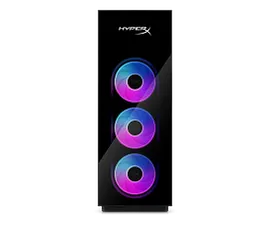
HyperX OMEN MAX 45L Gaming Desktop PC GT24-0000t
Windows 11 HomeIntel® Core™ Ultra 7 270K Plus (up to 5.4 GHz with Intel® Turbo Boost Technology, 36 MB L3 cache, 24 cores, 24 threads) + Intel® AI Boost (13 NPU TOPS)NVIDIA® GeForce RTX™ 5070 (12 GB GDDR7 ; Display Connectors: DP*3, HDMI*1)Kingston FURY 32GB DDR5-6000 MT/s XMP RGB Heatsink (2 x 16 GB)1 TB PCIe® Gen4 NVMe™ M.2 SSD
CW9M6AV_1
0/5
CUSTOMIZABLE
ENERGY STAR | Home
Sustainability features
Free HyperX gift with this PC!
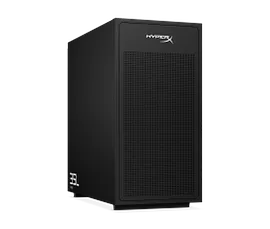
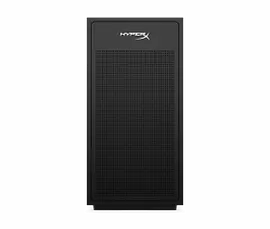
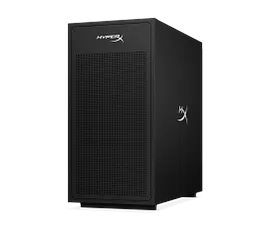
HyperX OMEN 35L Gaming Desktop GT18-0712t PC, Windows 11 Home, Intel® Core™ Ultra 7, 16GB RAM, 1TB SSD, NVIDIA® GeForce RTX™ 5080, Stealth black
Windows 11 HomeIntel® Core™ Ultra 7 processorNVIDIA® GeForce RTX™ 5080 (16 GB GDDR7 dedicated)16 GB memory;1 TB SSD storage
D9EM8AA#ABA
ENERGY STAR | Home
Sustainability features
Free HyperX gift with this PC!
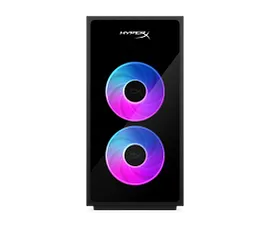
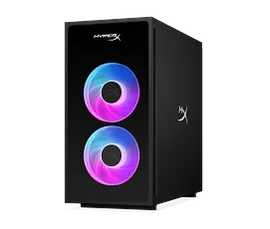
HyperX OMEN 35L Gaming Desktop GT18-0732t PC, Windows 11 Home, Intel® Core™ Ultra 7, 32GB RAM, 2TB SSD, NVIDIA® GeForce RTX™ 5080, Shadow black glass
Windows 11 HomeIntel® Core™ Ultra 7 processorNVIDIA® GeForce RTX™ 5080 (16 GB GDDR7 dedicated)32 GB memory;2 TB SSD storage
D8KM6AA#ABA
Home
Sustainability features
Free HyperX gift with this PC!
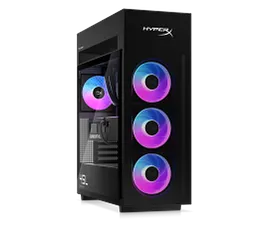
HyperX OMEN 35L Gaming Desktop PC GT18-0200t
Windows 11 HomeIntel® Core™ Ultra 5 250KF Plus (up to 5.3 GHz with Intel® Turbo Boost Technology, 30 MB L3 cache, 18 cores,18 threads)NVIDIA® GeForce RTX™ 5060 Ti (8 GB GDDR7; Display Connectors: DP*3, HDMI*1)16 GB DDR5-5600 MT/S (1 X 16 GB)1 TB PCIE® NVME™ M.2 SSD
D4DA8AV_1
5/5
(1)
CUSTOMIZABLE
ENERGY STAR | Home
Sustainability features
Free HyperX gift with this PC!
Return and exchange information
Eligible purchases from Nov 1 - Dec 25, 2026, can be returned or exchanged until Jan 15, 2027, or 30 days after delivery, whichever is later. For details, please visit: https://www.hp.com/us-en/shop/cv/returnsandexchanges


